
Microsoft Teams
Microsoft Corporation · App ID: 1113153706
Downloads / mo
5.2M
Range 2.1M–13M
Revenue / mo
$6.8M
Range $2.7M – $17M
RPD
$1.30
Revenue per download
Avg. DAU
7.1M
Daily actives
Time Spent
11 min
Per user / day (est.)
Session Count
487.5M
Monthly (est.)
Category Ranking
100+
Business · US Today
Top Countries
US · India · Brazil
By est. downloads share
Downloads Trend
55.8M12-mo total
Monthly avg 4.6M
Revenue Trend
$72.5M12-mo total
Peak May ($7.1M) · amber bar = best month
Release Details
- Current Version
- 8.12.0
- Last Updated
- 7/7/2026
- Release Date
- 11/2/2016
- Minimum OS
- 17.0
- File Size
- 491.1 MB
- Content Rating
- 4+
- Languages
- AR, BN, BG, CA, HR, CS +41
Description
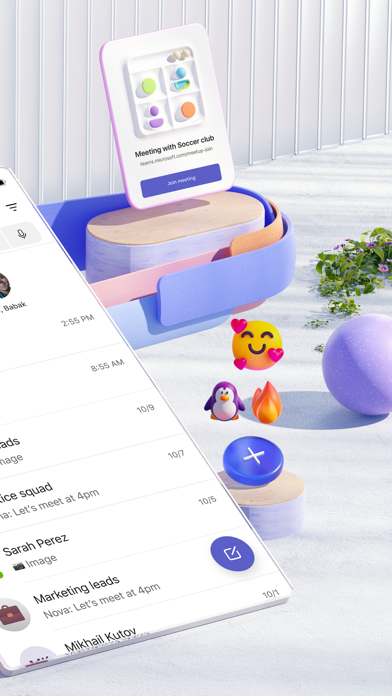
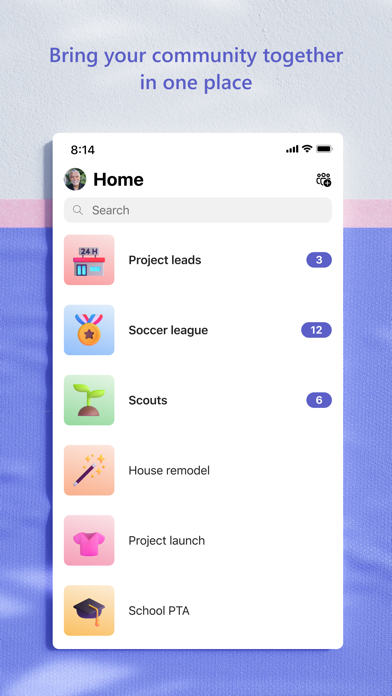
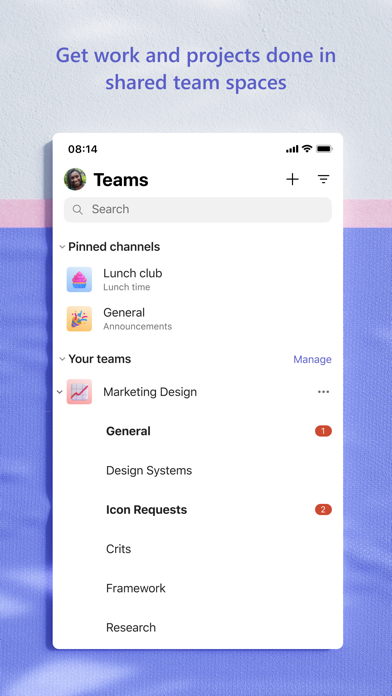
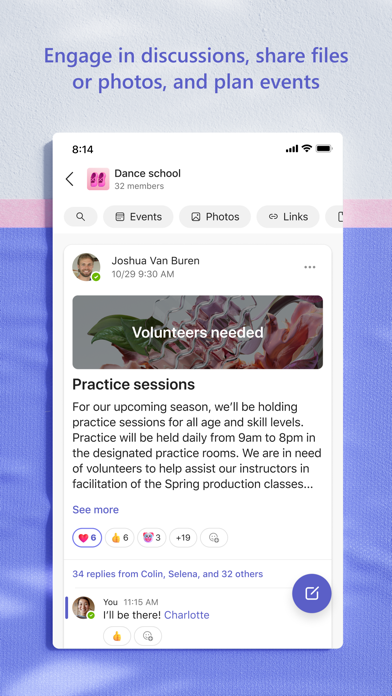
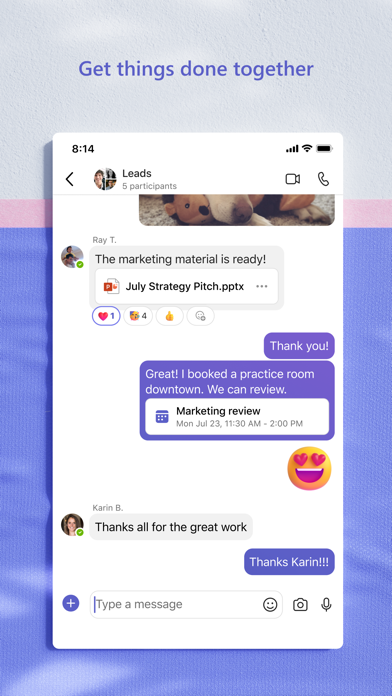
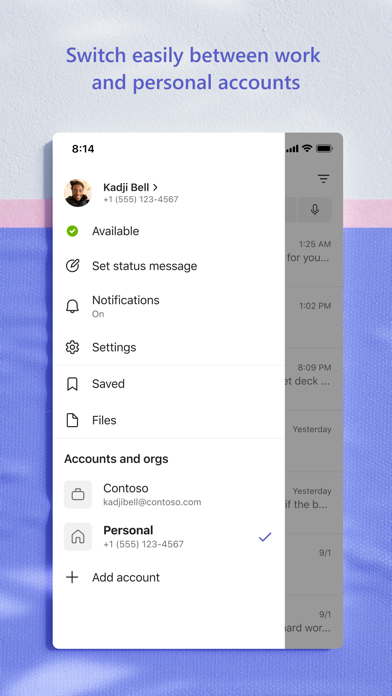
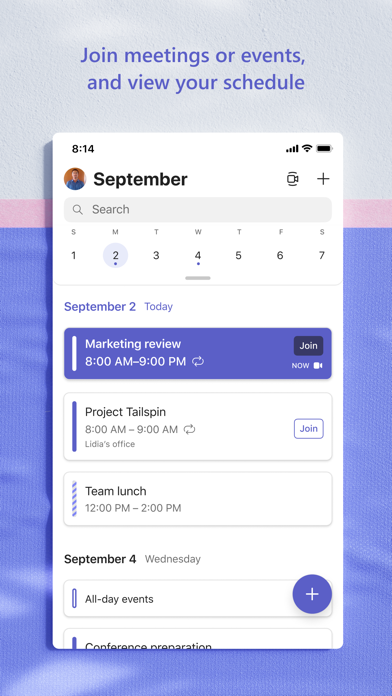
Whether you’re connecting with your community for an upcoming activity or working with teammates on a project, Microsoft Teams helps bring people together so that they can get things done. It’s the only app that has communities, events, chats, channels, meetings, storage, tasks, and calendars in one place—so you can easily connect and manage access to information. Get your community, family, friends, or workmates together to accomplish tasks, share ideas, and make plans. Join audio and video calls in a secure setting, collaborate in documents, and store files and photos with built-in cloud storage. You can do it all in Microsoft Teams. Easily connect with anyone: • Skype is now part of Teams. Continue where you left off with your chats, calls and contacts in Microsoft Teams Free. • Meet securely with communities, teammates, family, or friends. • Set up a meeting within seconds and invite anyone by sharing a link or calendar invite. • Chat 1-1 or to your entire community, @mention people in chats to get their attention. • Create a dedicated community to discuss specific topics and make plans*. • Work closely and collaborate by keeping conversations organized by specific topics and projects with teams and channels. • Video or audio call anyone directly in Teams or instantly convert a group chat to a call. • Use GIFs, emojis, and message animations to express yourself when words aren’t enough. Accomplish plans and projects together: • Send photos and videos in chats to quickly and easily share important moments. • Use cloud storage to access shared documents and files on the go. • Organize shared content in a community — events, photos, links, files —so you don’t have to waste time searching*. • Get the most out of your meetings by using screen share, whiteboard, or breakout in virtual rooms. • Manage access to information and ensure the right people have access to the right info, even when people join and leave projects. • Use task lists to stay on top of projects and plans - assign tasks, set due dates, and cross off items to keep everyone on the same page. Designed to give you peace of mind: • Securely collaborate with others while maintaining control over your data. • Keep communities safe by allowing owners to remove inappropriate content or members*. • Enterprise-level security and compliance you expect from Microsoft 365**. *Available when using Microsoft Teams with your Microsoft account. **Commercial features of this app require a paid Microsoft 365 commercial subscription or a trial subscription of Microsoft Teams for work. If you’re not sure about your company’s subscription or the services you have access to, visit Office.com/Teams to learn more or contact your IT department. By downloading Teams, you agree to the license (see aka.ms/eulateamsmobile) and privacy terms (see aka.ms/privacy). For support or feedback, email us at mtiosapp@microsoft.com. EU Contract Summary: aka.ms/EUContractSummary Consumer Health Data Privacy Policy https://go.microsoft.com/fwlink/?linkid=2259814
Screenshots(9)
View on store ↗

Ratings
4.8 / 5
3,364,264 ratings
- 5 ★89%
- 4 ★5%
- 3 ★2%
- 2 ★2%
- 1 ★2%
Recent Reviews
- ★★★★★johnpm57
Copilot is useless
Copilot is a completely useless function and ruined teams
- ★★★★★BiggleWiggle
Notifies me all the time when I’m active on desktop
Even though I have it configured not to. Maddening.
- ★★★★★Let it fall k
Love it
This is one of my best apps to use when in a team meeting
- ★★★★★chrity1misty
Teams
Good, but my kids can not call their friends
- ★★★★★ZF_77
Authentication is atrocious
If you use this on mobile they make it impossible to authenticate on a single device, the app tries to authenticate on the authentication app via the authentication app. If you have a meeting to get to on mobile and you get signed out good luck. Also the outlook sign in solution also failed. This process all around is a failure.
- ★★★★★Own it 4 life!
Teams but
The team they are on is Uncle Sam’s good old NSA! Once you download it - it cannot be deleted from an IPhone once it’s installed. It looks uninstalled but it’s sucking your data sitting in your system & hidden data.
- ★★★★★nick.039
Richest poor software in the world
The application functions just like any other email application with the added side effect that you will randomly not be able to sign in due to their Authenticator app being complete and total garbage. It will trap you in an endless loop of needing to use the Authenticator app to authenticate that you’re using the Authenticator app so you can authenticate teams. Then I go to look for a contact for help. THEY DONT HAVE ONE! “unless you are a business account” really goes to show their care for customers. Honestly just a bad product.
- ★★★★★Bracebolted
Do not get
The app has lots of bugs. It’s very clunky and not worth using. I will stick with something way more secure as in Telegram
- ★★★★★BriM27
Notifications
Recent updates to the phone not clearing notifications once you have seen them. Extremely frustrating now as it shows I have notifications that I thought I missed when that is not the case.
- ★★★★★rodmoju
Good initial support
Please continue adding capabilities, like screen sharing! Also, be able to not lock the app during a session as Vision Pro can detect when it’s taken off.