GPS Status & Toolbox
MobiWIA Kft. · App ID: 1198499960
Downloads / mo
684
Range 274–1.7K
Revenue / mo
$1.7K
Range $683 – $4.3K
RPD
$2.49
Revenue per download
Avg. DAU
899
Daily actives
Time Spent
11 min
Per user / day (est.)
Session Count
62K
Monthly (est.)
Category Ranking
100+
Travel · US Today
Top Countries
US · India · Brazil
By est. downloads share
Downloads Trend
7.4K12-mo total
Monthly avg 614.7
Revenue Trend
$18.4K12-mo total
Peak May ($1.8K) · amber bar = best month
Release Details
- Current Version
- 1.1.2
- Last Updated
- 7/28/2020
- Release Date
- 2/17/2017
- Minimum OS
- 9.0
- File Size
- 17.1 MB
- Content Rating
- 4+
- Languages
- EN, HU
Description
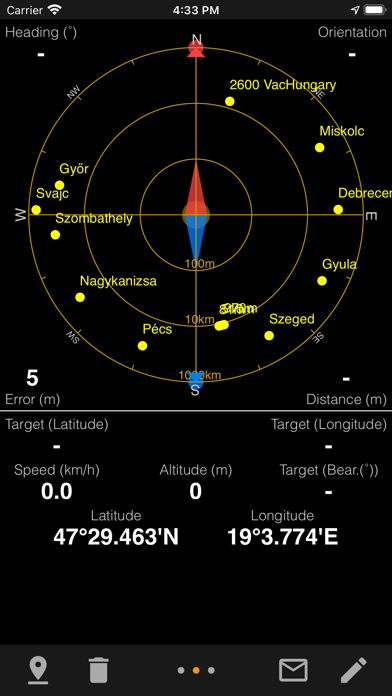
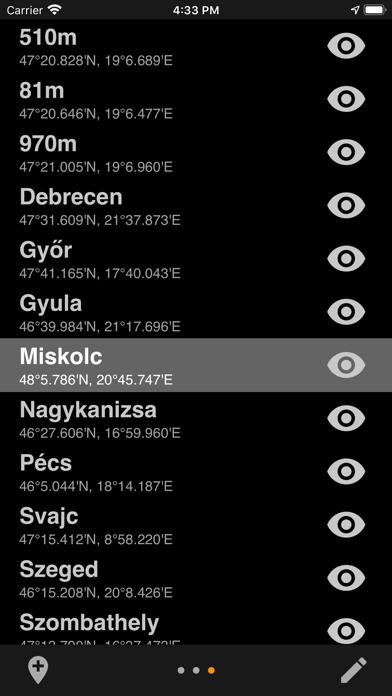
The number one GPS toolbox arrived to iOS! Displays all the GPS and sensor data you ever were curious about: position of GPS and GLONASS satellites, accuracy, speed, acceleration, altitude, bearing, pitch and roll. Find and save your locations based on coordinates or actual position and navigate to them later. Tools provided: compass with magnetic and true north, leveling tool, waypoints. You can mark or share your location using the Radar (especially useful for geocaching or quickly saving your actual position).
Screenshots(4)
View on store ↗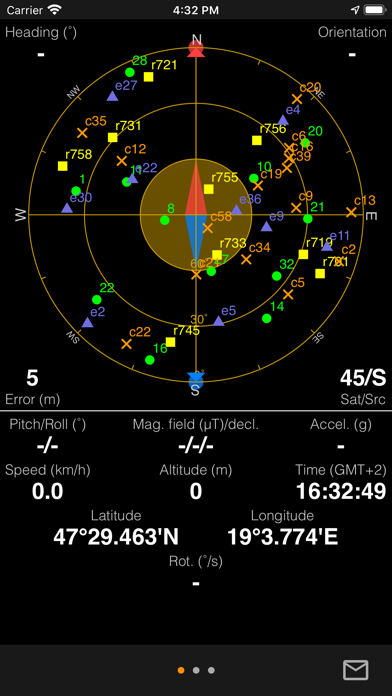
Ratings
4.3 / 5
428 ratings
- 5 ★73%
- 4 ★11%
- 3 ★5%
- 2 ★4%
- 1 ★8%
Recent Reviews
- ★★★★★Ramahdawg613
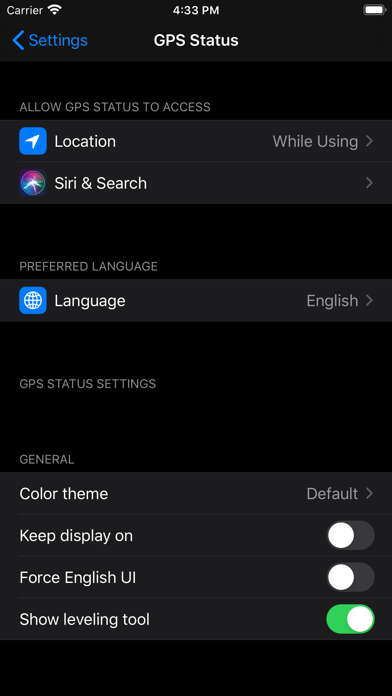
Can’t access Settings
I’ve used this app for years with no problem now I have an iPhone and I can’t access setting to change the units. This appears to have been a problem for several years. Can you fix the problem please
- ★★★★★JayReviews55
Unmaintained
I don’t think the developer maintains it anymore at all
- ★★★★★missing PHX
Setting on IPhone
Where is the setting button to change units?
- ★★★★★Arturomb
No settings screen
Cannot access the settings on iPhone to change units from metric to Imperial. Right out of the box.
- ★★★★★helios1024
Broken interface
The app never shows the accuracy, always stuck on 30 meters accuracy. No options to change units, coordinate system or anything else. I had to pay a second time when I replaced my iPhone. The android version is much better. iPhone version is a total scam. Nobody should pay for this garbage.
- ★★★★★ESM208
What happened?
This app was great on my android. My wife swapped me to an iPhone and the app does absolutely nothing.
- ★★★★★yensidek
Disappointed
The pictures indicate that the number of satellites will be reported, but even in open sky, this information is missing
- ★★★★★PM Walker
Where did they go?
Can no longer see any satellites. What happened?
- ★★★★★kd4pbs
Almost as good as Android version
This app does many things well except for the sensor readings like the android version has.
- ★★★★★Jim.Bellino
Something to add…
It would be nice if there was a key to show which satellites are which. Also, the signal strength and which satellites are determining the fix.