
Superimpose X
Pankaj Goswami · App ID: 1304177471
Downloads / mo
5.3K
Range 2.1K–13.2K
Revenue / mo
$27.9K
Range $11.1K – $69.7K
RPD
$5.29
Revenue per download
Avg. DAU
12.6K
Daily actives
Time Spent
11 min
Per user / day (est.)
Session Count
870.3K
Monthly (est.)
Category Ranking
100+
Photo & Video · US Today
Top Countries
US · India · Brazil
By est. downloads share
Downloads Trend
55.3K12-mo total
Monthly avg 4.6K
Revenue Trend
$292.7K12-mo total
Peak Apr ($28.2K) · amber bar = best month
Release Details
- Current Version
- 6.1.2
- Last Updated
- 7/4/2026
- Release Date
- 12/16/2017
- Minimum OS
- 15.0
- File Size
- 361.8 MB
- Content Rating
- 4+
- Languages
- EN, FR, DE, IT, JA, PT +3
Description
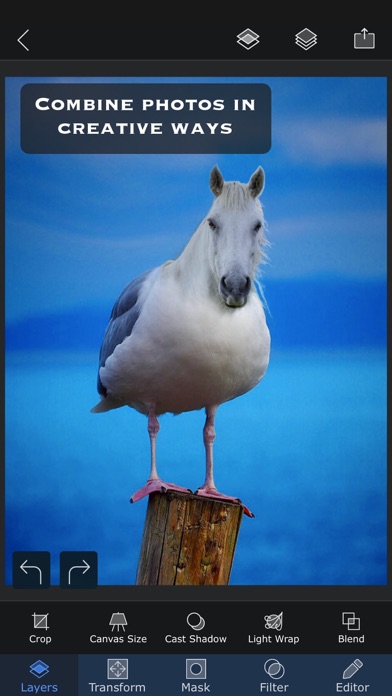
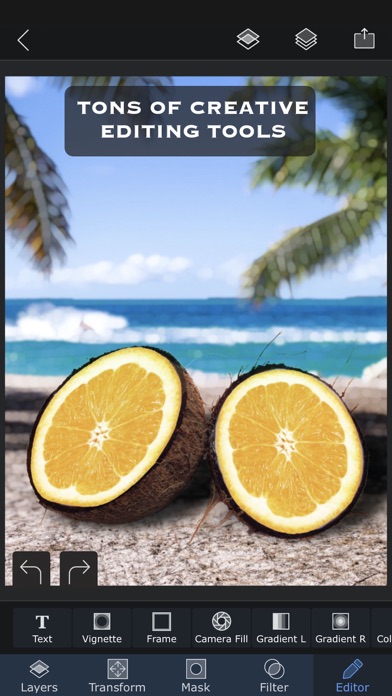
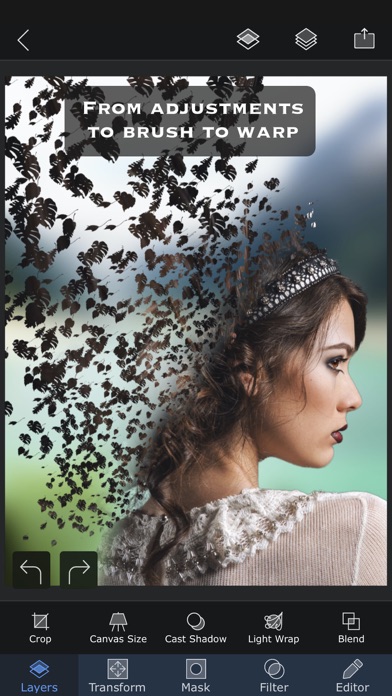
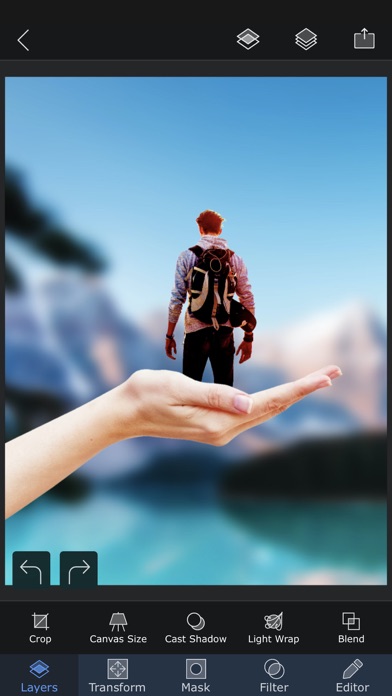
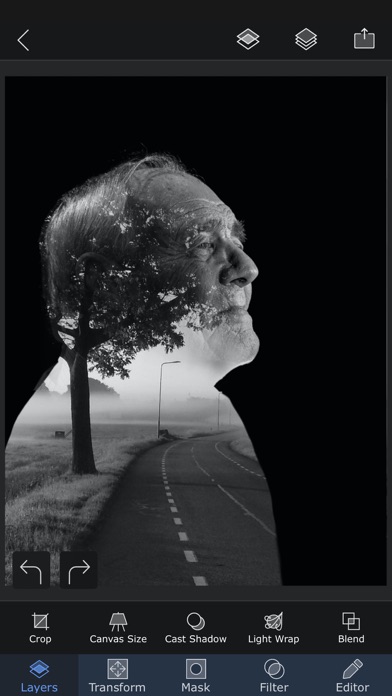
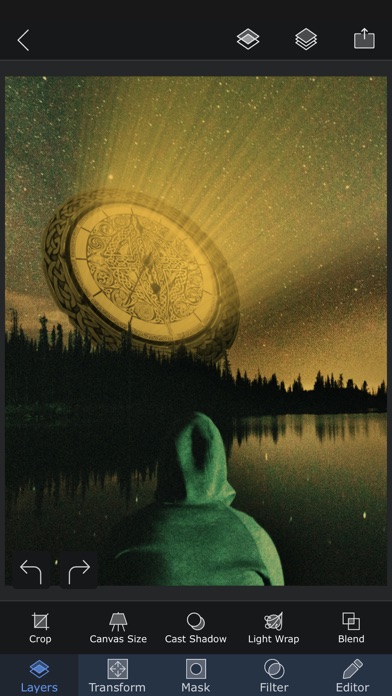
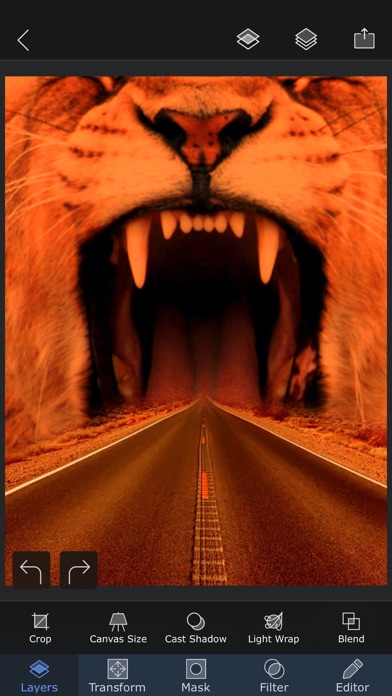
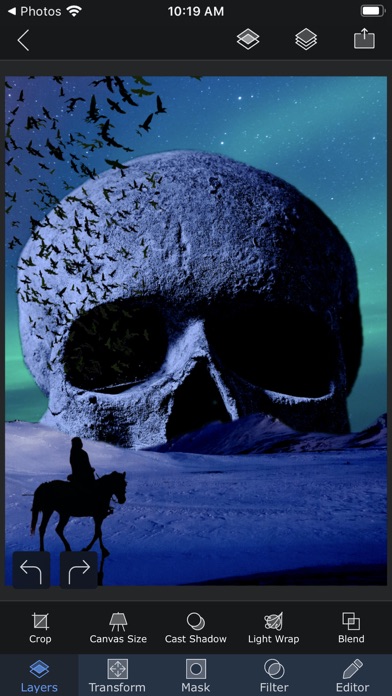
Superimpose X is a complete creative studio for photo editing, image compositing, and AI-powered visual creation. Build complex edits with layers, masks, blend modes, brushes, effects, adjustments, shadows, text, blur, warp, perspective tools, and more. Then push your ideas further with powerful AI features that help you generate images, edit photos, replace backgrounds, expand images, enhance details, relight scenes, create headshots, swap faces, turn sketches into finished images, and create short AI videos from still photos. Whether you are making social posts, thumbnails, designs, artwork, product images, profile photos, memes, edits, or professional composites, Superimpose X gives you both manual precision and AI speed in one app. Start with an idea, a photo, a sketch, or a blank canvas. Cut out people and objects, combine multiple images, paint masks, adjust colors, add depth, create shadows, apply effects, and refine every detail. When you want faster results, use AI to generate, transform, repair, extend, or animate your images. Superimpose X is designed for creators who want serious editing power without a complicated desktop workflow. Key features: • Layer-based photo editing with up to 24 layers • Advanced masking tools, including Magic Wand, Magic Lasso, brush masks, and shape masks • AI people masking • AI image generation from text • AI image editing and inpainting • AI background creation and replacement • AI outpainting and image expansion • AI image enhancement • AI relighting • AI sketch-to-image creation • AI headshot generation • AI face swap tools • AI image-to-image transformation • AI image-to-video generation • 18 blend modes • 16 adjustment layers • Non-destructive layer blur and adjustments • 63 photo effects • Clarity, color, tone, and detail controls • Text and curved text tools • Motion Blur, Zoom Blur, Spin Blur, Lens Blur, Selective Blur, and Gradient tools • Warp, perspective transform, and distortion tools • Paint, smudge, clone stamp, and effect brushes • Built-in shadow and Light Wrap tools • Camera fill with real-time masks and blend modes • Masking Library for reusable cutouts and stickers • Session Library that automatically saves your projects • PSD export with layers • Access to more than a million royalty-free stock photos Superimpose X gives you the freedom to create by hand, the speed of AI when you need it, and the control to make every result your own. If you already use the classic Superimpose app, you can transfer your saved masks into Superimpose X: 1. Open the original Superimpose app. 2. Tap the “?” button on the Home screen. 3. Choose “Transfer masks to Superimpose X”. 4. Your masks will be available in Superimpose X. Terms of use: https://www.superimposeapp.com/superimposex_terms_of_use.html Privacy Policy: https://www.superimposeapp.com/privacy2.html
Screenshots(10)
View on store ↗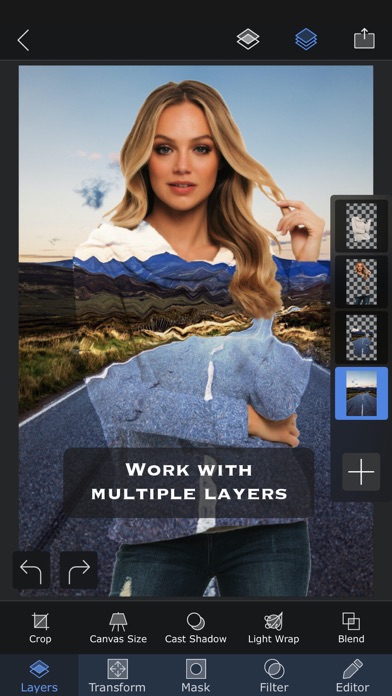

Ratings
4.7 / 5
3,003 ratings
- 5 ★92%
- 4 ★3%
- 3 ★1%
- 2 ★1%
- 1 ★3%
Recent Reviews
- ★★★★★Ceasar_Romano
New AI Generation review
Long time user here I think I’ll be the first to comment about the new features of the AI generation tool. I used to love using yours because there was no credits and I could use the ai until it got the image right at least since this tool isn’t the most accurate. Now you’ve added this system where it’s based off refillable credits, and you may waste a good amount trying to get the ai to get it right, or at least close to what you need. I would have rather yall raise the monthly price rather than do the credit based system but that’s just my opinion. Still love the app tho
- ★★★★★salsa bowl
greedy people running this app
I’ve owned this app for YEARS, I paid a couple bucks for it about 5-6 years ago and have never had a problem with it until recently I opened the app and it reverted everything to the free version that has minimal usage, I paid for this app just for it to be swept under the rug and some of my projects are inaccessible now.. and seeing your subscription options ontop of this everytime I open the app now, omg don’t even get me started on how stupid expensive this is just pirate something on your pc at this point
- ★★★★★IceDancer7
Mask Tools
I have been using this app for several years and I adore it. I was not expecting the change in the format and I don't like it at all. Where are all the masking tools??? I need them for a lot of my artwork!!!!
- ★★★★★berianfortnermusic
Brian Approves
Hi, I’m Brian Fortner, Singer Songwriter and future multi award winning artist and performer. This is a wonderful app and worth the purchase. I fully am glad I have this app. It works wonderfully and isn’t stupid. Pretty awesome, right?
- ★★★★★Louis0623
Great App
Great App! Great for making quality YouTube thumbnails on the go
- ★★★★★Jaredthegreat4
Yes
Great photo editing app without subscription
- ★★★★★Sawyer1847473
I can’t believe the premium version of this app was only like $5-$10
This is the best photoshop app I’ve ever used on iPhone. Like most photoshop, there’s a little bit of a learning curve, but Superimpose X also has YouTube tutorials that are helpful. I think I’ve been using the app for like 5-6 years for design and photo editing, and it’s amazing. 10/10 would recommend🖤
- ★★★★★cooterleigh
Happy
The one thing I would like to see happen is to be able to adjust the width or hight of a mask instead of having to be able to use it as is. Right now I cannot change the size thecanvas or get to the resize tab. Would give it a 5 if not for these problem. Favorite program otherwise.
- ★★★★★Eve Severe
SUBSCRIBTION
Why do developers get greedy? You pay for an app and you have the ability to do all these wonderful things with this app. Then, a few years later they update and you’re stuck with paying a monthly fee if you want to properly utilize the app that you have already purchased. I mean, they could’ve added an in app purchase. I wouldn’t mind paying a few bucks more to get access to whatever they were adding. But no, you buy the app and you own it for years and then you are crippled unless you pay them a monthly fee. It’s very sad that they do not grandfather in people who purchased their apps and supported them for many years. This has happened to me with many apps and it’s very frustrating. When you spend money, leave positive reviews for the developer, even talk to developers, and then get hit with a subscription for an app that you had for a few years it sucks. I’ve been beta testing app since 2011. I own about 700 apps across many iPads/iPhones and when developers do this it feels insulting.
- ★★★★★freewillbunny
THE app of all apps
This app was the catalyst to becoming a full time designer, love the upgrade, worth every penny. I make quick memes, edits on the go for years.