
Mojo: AI Video & Reels Editor
Archery Inc. · App ID: 1434861974
Downloads / mo
270.7K
Range 108.3K–676.7K
Revenue / mo
$487.2K
Range $194.9K – $1.2M
RPD
$1.80
Revenue per download
Avg. DAU
581.1K
Daily actives
Time Spent
11 min
Per user / day (est.)
Session Count
40.1M
Monthly (est.)
Category Ranking
100+
Photo & Video · US Today
Top Countries
US · India · Brazil
By est. downloads share
Downloads Trend
2.8M12-mo total
Monthly avg 236K
Revenue Trend
$5.1M12-mo total
Peak Jul ($516.1K) · amber bar = best month
Release Details
- Current Version
- 1.271.0
- Last Updated
- 7/6/2026
- Release Date
- 11/6/2018
- Minimum OS
- 16.0
- File Size
- 310.9 MB
- Content Rating
- 17+
- Languages
- AR, CA, HR, CS, DA, NL +29
Description
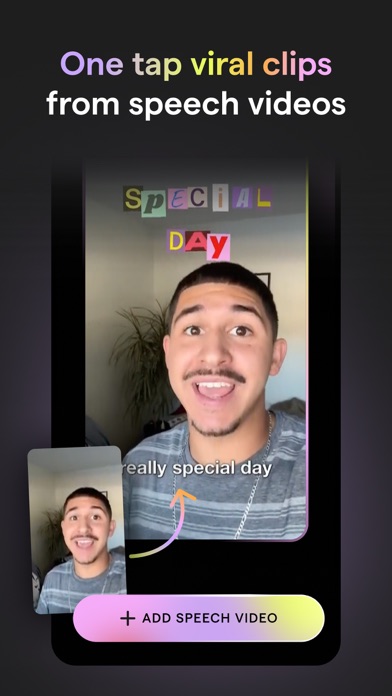
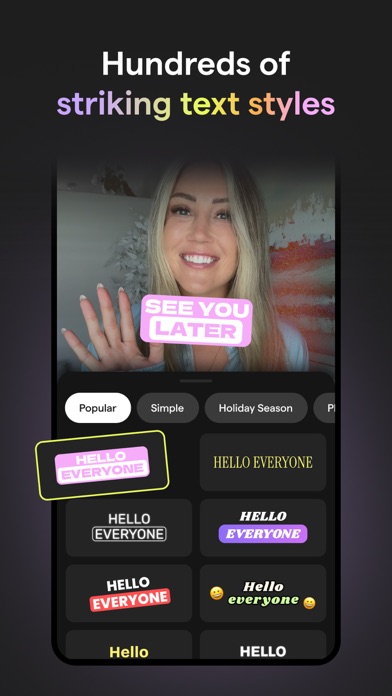
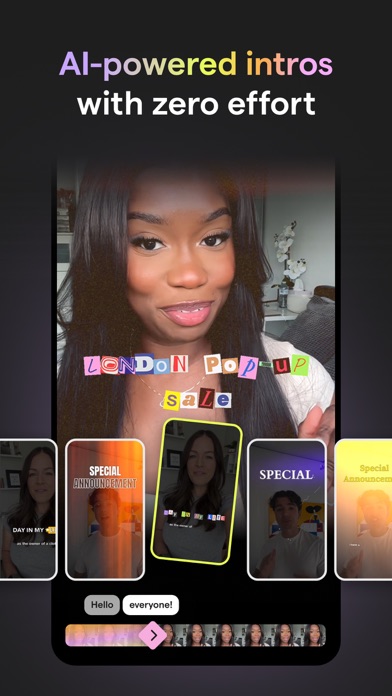
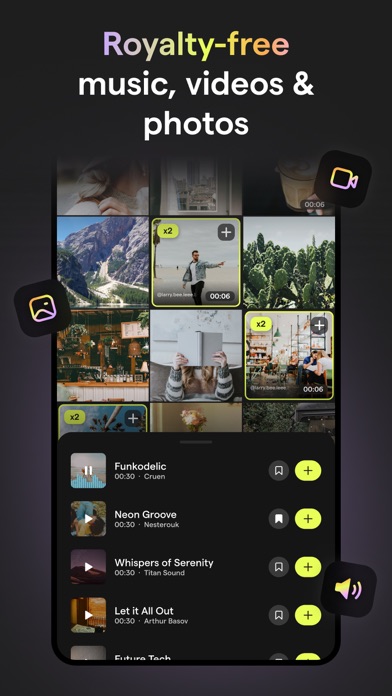
Creating trending social content has never been simpler. Mojo is an app designed to help you make amazing video content for Instagram and TikTok and more. Mojo is made in Paris and has already been downloaded by over 40 million people worldwide. To use Mojo, simply download the app and start exploring one of our 1,200+ unique templates. After selecting the template you’d like to edit, choose from a number of our editing features to create the perfect video. You can then easily resize and share your content to any social platform with the touch of a button. While editing, you can choose from a number of our top features like adding auto-captions, text effects, filters, and creating a grid. You can also select one of our trending templates which is already paired perfectly with a trending sound from Instagram and TikTok! Mojo is an inclusive app made for everyone. Whether you’re a creator, small business owner, photographer, or a first-time social user - there will be something for you! Take a look at our top features and why our users love them: Trending sounds templates - Choose from our unique trending sounds templates that connect directly to trending sounds on Instagram and TikTok - Get inspired in our trending sounds collection and create videos with already identified trends Auto captions - Add auto-captions to maximize your views - Select from a variety of auto-caption styles to stand out on social - Translate your captions into a different language than the one you’re speaking - Remove unwanted silences and filler words automatically Text effects - Easily add aesthetic text effects to your videos - Select from a variety of styles like modern, retro, speech bubbles, and calls to action All-in-one video editor - Edit all of your videos on one platform - Trim your clips, add transitions, music, text, and animated elements on Mojo Background removal - Remove the background from any image in one tap - The perfect tool for business owners to showcase their products Brand kit - Upload your brand fonts, colors, and logos to the brand kit tool - Easily stay on brand while creating your content on Mojo AI templates - Transform your content with one of our AI templates by selecting a photo and watching our AI tools illustrate it into a work of art - Select any photo from your camera roll and watch Mojo turn it into a meme Royalty free music - Choose from our royalty-free tracks that can be used for commercial purposes - Upload your own music and add it to any of our templates Transitions - Seamlessly add transitions to your videos to elevate visual appeal - Elevate professionalism with a variety of available transitions like zoom in, fisheye, ripped paper, camera slides in different directions, and so many more - Apply your transitions to your whole video in just one tap Share across all social platforms - Share to Instagram, TikTok, YouTube, and other social platforms in just one tap - Mojo easily resizes your content depending on the platform you’re sharing to Edit the animations of all elements - Animate any element of your video and capture your viewer’s attention Animated stickers and graphics - Incorporate animated stickers and graphics into your videos Terms of Use: https://www.mojo-app.com/terms-of-use If you subscribe via Apple, your payment will be charged to the App Store Account at confirmation of purchase. Subscription automatically renews unless auto-renew is turned off at least 24 hours before the end of the current period. Account will be charged for renewal within 24 hours prior to the end of the current period at the rate of the selected plan. Subscriptions and auto-renewal may be managed by going to Account Settings on your iPhone after purchase. We're always open to feedback, email us yours at feedback@mojo.video. From Paris with love, The Mojo Team
Screenshots(10)
View on store ↗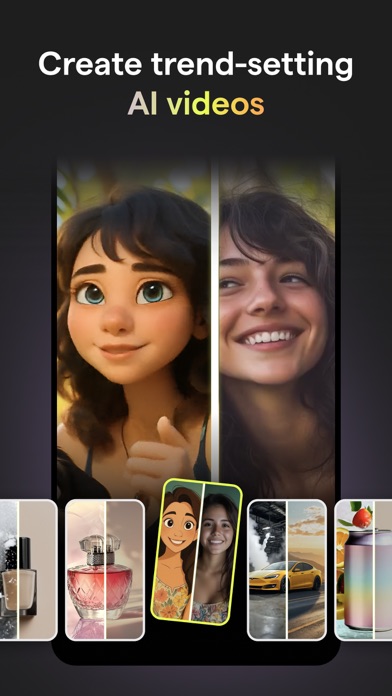





Ratings
4.9 / 5
138,347 ratings
- 5 ★91%
- 4 ★4%
- 3 ★2%
- 2 ★1%
- 1 ★2%
Recent Reviews
- ★★★★★riewer7
Mojo editor
So perfect looked thru so many apps and finally found a good one really easy to use!!! 10/10 ⭐️⭐️
- ★★★★★SandyKHo
Credits not replenishing!
I like the app. I do wish they had fewer commercial, business templates and offered some for personal use, like for birthdays and special occasions. My biggest complaint is, I paid for an annual AI subscription, and my credits have not replenished, even after the one month anniversary from signing up. On May 27 I subscribed, and now it’s July 5 and I’ve not been reset to 50 credits. I tried going into settings and hitting “restore purchases”, and I tried logging out and back in. Support page wasn’t helpful.
- ★★★★★Luxotic_v
I love it
Love it so much to give your captains ai generated
- ★★★★★H going
My Go To Photo App
Easy and great quality
- ★★★★★ShannMarie13
Great for Short Projects
I really like Mojo and have used it for a handful of projects. I usually use it as a video editor to combine shorter videos into a longer one and trim out content. It’s been easy to use and understand. HOWEVER, it has not been good for longer form videos. When I’ve tried projects 30m to an hour+ it often gets glitchy, sometimes crashes, and is very slow to initially upload and save as well as make tweaks like pinching the timeline to try to make the video ribbon more compact or spread out. I am needing to find a different app for longer video edits that I plan to post on YouTube, because I’ve spend over an hour working on starting a project. I was able to finally import the media I wanted and make some minor tweaks in the beginning but it got glitchy during editing and saving (freezing, acting like I pushed a button I didn’t, slow response time, etc.). I’m going to have to close and discard that particular project. Hopefully they can make the app run more efficiently and smoothly soon!
- ★★★★★Derek & Lisa
What happened?
All of my portrait 9:16 videos are showing up sideways. When I check the crop they look correct. Every template is now doing this. Is it because of the new update? I downloaded and used this for the first time yesterday and it worked great. Now nothing is working right.
- ★★★★★Gulfstream 
The best
This is awesome, easy to use and turns out a great product in seconds, I love it and highly recommend it. Thanks.
- ★★★★★Oswaldotor
Excelente
Muy buena
- ★★★★★ACC868686
Stupid App
Only useful for vertical pictures beyond limited and overall the templates are a pain to align with regular pictures.
- ★★★★★Lillie.bee
Sneaky
I decided to give it a try and pay weekly to remove the watermark for the one video I had made, only to prompt me to buy credits afterwards!! I would like a refund 😑. There should be a fine print