
Koala Sampler • Beat Maker
Mazbox Limited · App ID: 1449584007
Downloads / mo
2.8K
Range 1.1K–6.9K
Revenue / mo
$12.5K
Range $5K – $31.2K
RPD
$4.49
Revenue per download
Avg. DAU
6.4K
Daily actives
Time Spent
41 min
Per user / day (est.)
Session Count
443.7K
Monthly (est.)
Category Ranking
100+
Music · US Today
Top Countries
US · India · Brazil
By est. downloads share
Downloads Trend
28.8K12-mo total
Monthly avg 2.4K
Revenue Trend
$129.5K12-mo total
Peak Apr ($13.3K) · amber bar = best month
Release Details
- Current Version
- 1.4162
- Last Updated
- 5/19/2026
- Release Date
- 2/28/2019
- Minimum OS
- 13.0
- File Size
- 75.5 MB
- Content Rating
- 4+
- Languages
- EN
Description
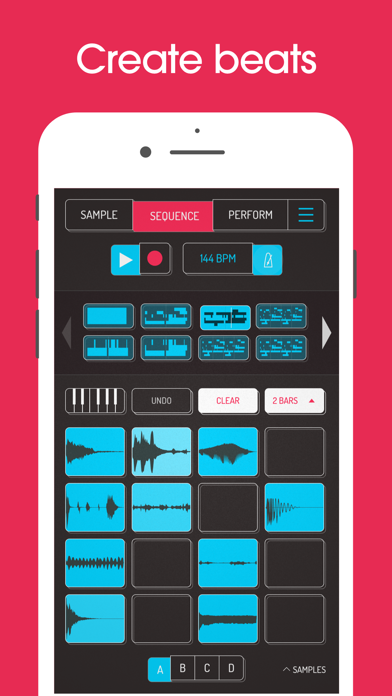
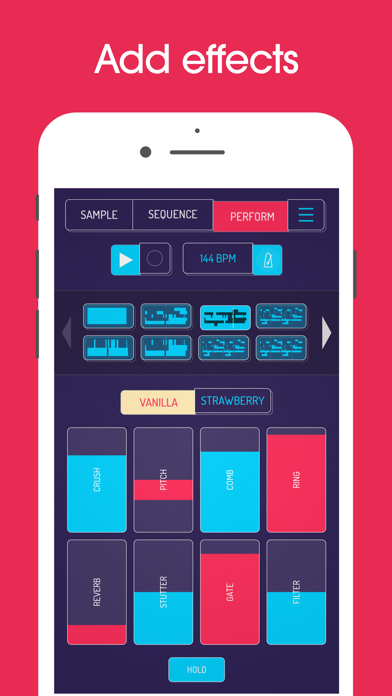
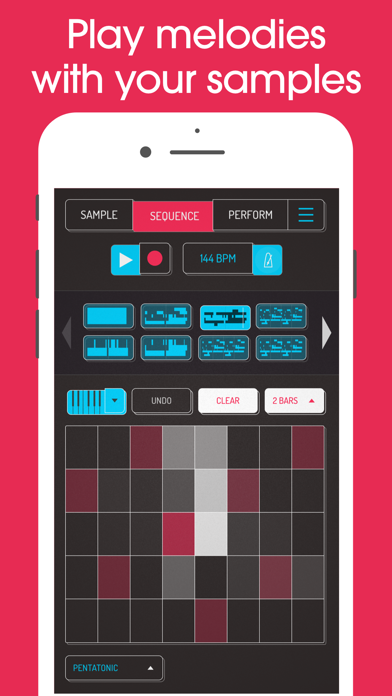
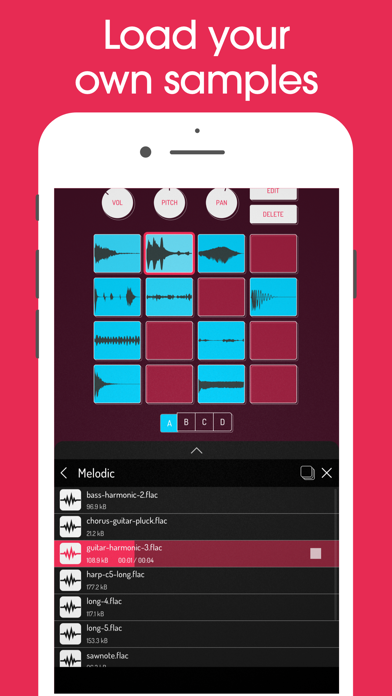
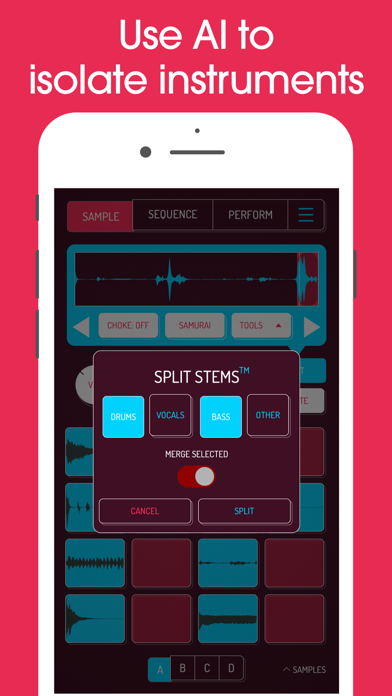
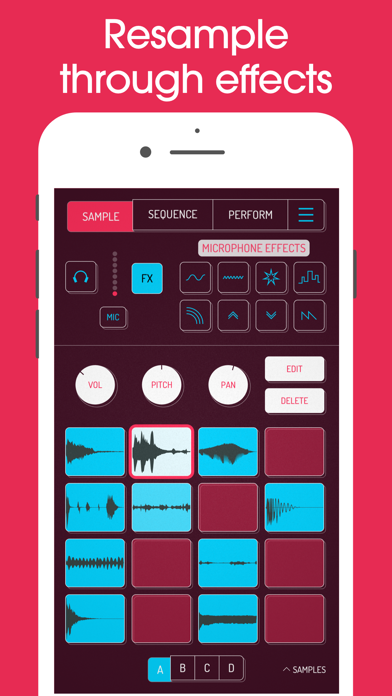
Koala is the ultimate pocket-sized sampler. Record anything with your phone's mic instantly. Use Koala to create beats with those samples, add effects and create a track! Koala’s super intuitive interface helps you make a tracks in a flash, there is no brake pedal. You can also resample the output of the app back into the input, through the effects, so the sonic possibilities are endless. Koala's design focuses totally on making the music making progress instant, keeping you in the flow and keeping it fun, not getting bogged down by pages of parameters and micro-editing. "Been putting that $4 koala sampler to good use lately. Undeniably great tool that puts some of these expensive beat boxes to shame. A must cop." -- flying lotus, twitter * Record up to 64 different samples with your mic * Transform your voice or any other sound with 16 superb built-in fx * Load your own samples * Choose from one of 250 built-in sounds * Resample the output of the app back into a new sample * Export loops or entire tracks as professional quality WAV files * Direct export to Ableton Live Set * Copy/paste or merge sequences just by dragging them * Create beats with the high-resolution sequencer * Import samples using AudioShare or just open them in Koala * Keyboard mode lets you play chromatically or one of 9 scales * Quantize, add swing to get the right feel * Normal/One-shot/Loop/Reverse playback of samples * 6 Choke groups * Attack, release and tone adjustable on each sample * AUv3 compatible - use in GarageBand, Logic, Cubasis etc etc * MIDI controllable - play your samples on a keyboard, map the effects to knobs * Jam with others over WiFi with Ableton Link * Free copy of Ableton Live Lite included * Use AI to separate samples into individual instruments (drums, bass, vocals and other) * Set your own background image and choose from a growing list of background visual FX. 8 Built-in Microphone FX: * More Bass * More Treble * Fuzz * Robot * Reverb * Octave up * Octave down * Synthesizer 16 Built-in DJ Mix FX: * Bit-crusher * Pitch-shift * Comb filter * Ring modulator * Reverb * Stutter * Gate * Resonant High/Low Pass Filters * Cutter * Reverse * Dub * Tempo Delay * Talkbox * VibroFlange * Dirty * Compressor Features included in SAMURAI In-App Purchase * Timestretch (4 modes: Modern, Retro, Beats and Re-pitch) * Piano roll editor * Auto-chop (auto, equal, and lazy chop) * 3 Band EQ * Pocket operator sync out
Screenshots(7)
View on store ↗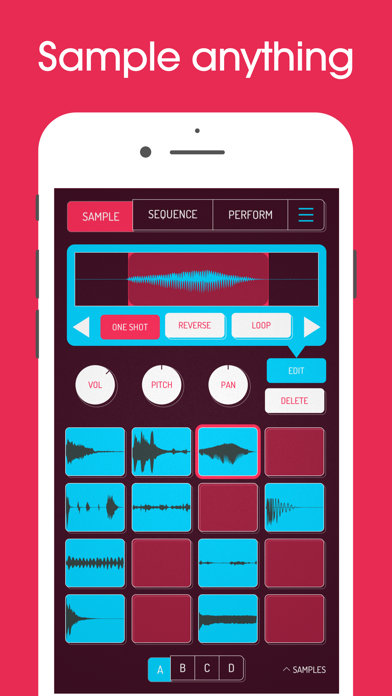
Ratings
4.8 / 5
1,361 ratings
- 5 ★91%
- 4 ★4%
- 3 ★2%
- 2 ★1%
- 1 ★2%
Recent Reviews
- ★★★★★Blind Henry McClean
The
Greatest! Now that there’s AUV3 support, it’s 10/10. My only wants now are easier access to transport and keyboard controls from the Sample tab without having to constantly switch back and forth between Sample and Sequence for those functions. Oh and I noticed that synths don’t respond to pressure sensitivity from my Novation Launchpad X like they do when I run them in AUM or Logic Pro on Mac. So, I hope that gets fixed.
- ★★★★★Lil kingdom XD
The struggle
This was bad from the start.I want to become a artist and make music,but with this app I had no clue what I was doing no one is my family could help me out ether and you have to pay to get beats and you can’t even upload your music so I would not get this app
- ★★★★★Goofy the Dwarf
AUM Compatibility Issues
If you use Koala for fun in stand alone, then it’s really great. If you use it in stand alone in a professional situation it’s great. If you use it in a professional situation within AUM and assign different Koala templates with different samples to separate channels then it’s very frustrating. When you map on Koala in one channel it voids the mapping on the previous Koala channel. This happens even if you save both in Koala and AUM after every move on both channels. If you go back and import the song into the correct channel it still deletes the mapping data you spent a lot of time programming. Saving a song and trying to use it within AUM on a gig is fraught with saving / memory issues and you cannot depend on it. This creates a lot of wasted time.
- ★★★★★Koala sampler=anoying
Koala sample was good, but kind of confusing
Because every time I make a new song and I save it and then I load it or I load a different song I have to tap every box in the sequence part cause it doesn’t just play on it’s own like it only plays one box at a time not all the boxes like once it finishes one box it goes to another. It doesn’t do that for me. It’s very confusing and very annoying that that’s why I am rating three stars.
- ★★★★★BandoSpazzsd
Great app
Just got today and been having fun with it. It's pretty dope. I come from making traditional full beats on fl studio and this is like my first sampler app, but yea this app is pretty dope. Only thing Is I wish they had was a timeline and maybe a better piano roll. But other than that this app is fire.
- ★★★★★garbito game29
45 dollars?
when i bought the app it said it was 5 dollars so i bought it. And for some reason i got a 45 dollar charge from koala.
- ★★★★★Goldyybabyy
Tips
You guys should add a transpose feature to the piano roll as well as an easy way to copy piano roll patterns like say if I create a nice drum kit with a nice snare and kick be able to copy those patterns a lot easier just having better copy and paste features also having snapped to pitch features
- ★★★★★Manelee Arnbee
The Holy Grail of iPad Music Making apps
You know and I know! Elf has done the unthinkable and elevated this app to the highest of plateaus, it added AUV3 loading! I wish I could spell out how HUGE this is but, you’ll just have to see for yourself! There’s nothing else left to say but, GO GET IT! I swear, every time I even think about how good this app is I get to updating this review… it’s ridiculousl!
- ★★★★★It clicks when you export
Sound
I really love the app, but it sounds like a click when at the beginning of every sample I export. On iOS
- ★★★★★ElonBusts$
Simply the best
One of the sole reasons why I even bought an iPad is because of this app and now with the implementation of AuV3 it has basically become a DAWless DAW.