
CapCut: Photo & Video Editor
Bytedance Pte. Ltd · App ID: 1500855883
Downloads / mo
2.7M
Range 1.1M–6.7M
Revenue / mo
$4.8M
Range $1.9M – $12.1M
RPD
$1.80
Revenue per download
Avg. DAU
4.7M
Daily actives
Time Spent
11 min
Per user / day (est.)
Session Count
322.9M
Monthly (est.)
Category Ranking
#2
Photo & Video · Downloads
Top Countries
US · India · Brazil
By est. downloads share
Downloads Trend
29.6M12-mo total
Monthly avg 2.5M
Revenue Trend
$53.3M12-mo total
Peak Jun ($5.4M) · amber bar = best month
Release Details
- Current Version
- 18.4.0
- Last Updated
- 6/30/2026
- Release Date
- 4/14/2020
- Minimum OS
- 13.0
- File Size
- 744.5 MB
- Content Rating
- 12+
- Languages
- AR, EN, FR, HE, ID, IT +14
Description
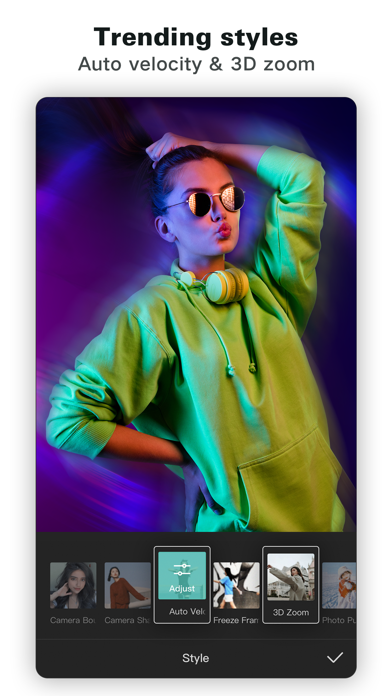
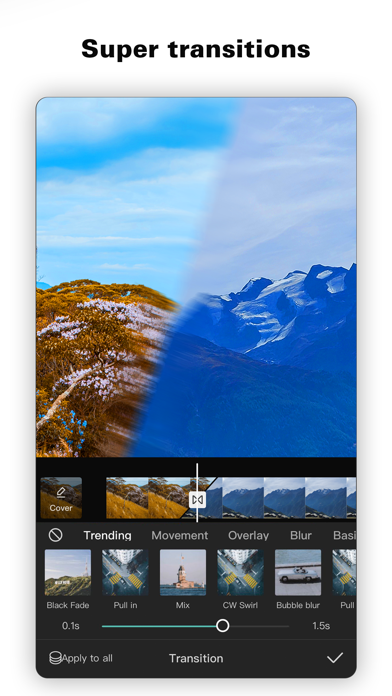
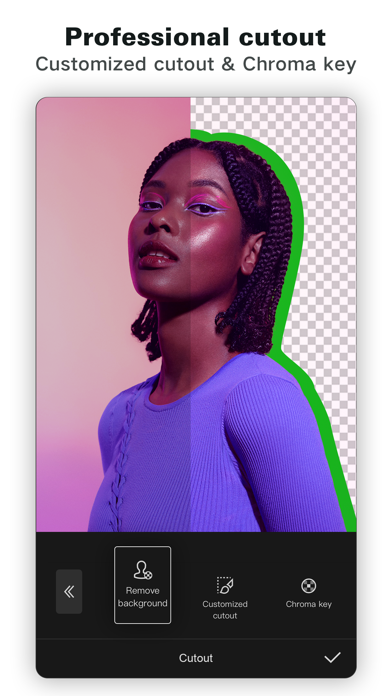
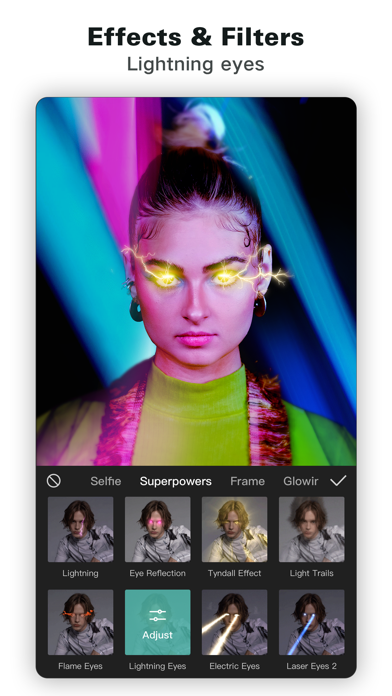
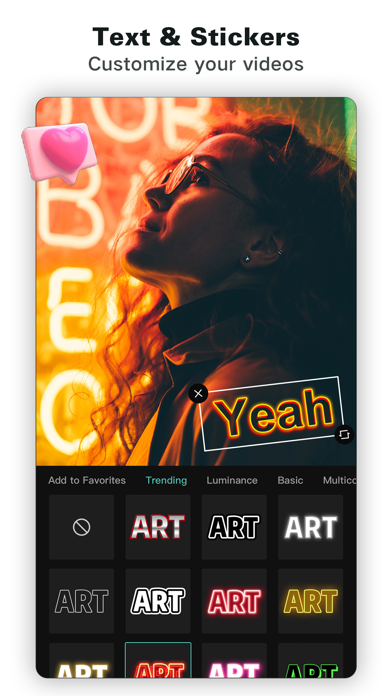
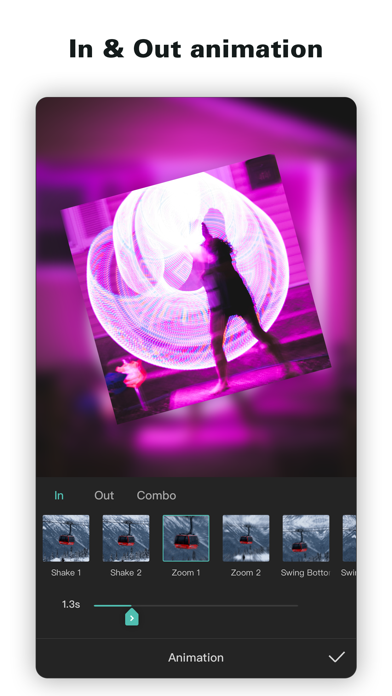
CapCut offers easy-to-use video editing functions, in-APP fonts and effects, advanced features such as keyframe animation, smooth slow-motion, chroma key, and stabilization, to help you capture and snip moments. Create fancy videos with other unique features: auto captions, text-to-speech, motion tracking, and background removal. Show your personality and go viral on TikTok, YouTube, Instagram, WhatsApp, and Facebook! FEATURES Basic video editing • Trim and shorten clips and split or merge videos. • Adjust video speed from 0.1x to 100x, and apply speed curves to clips. • Animate video clips with incredible zoom in/out effects. • Highlight the best moments with the freeze feature. • Explore transition options with awesome effects on and between clips. Advanced video editor • Keyframe video animation is available for all settings. • Edit videos to create smooth slow-motion with the optical flow feature and speed curve tool. • Use the chroma key to remove specific colors from videos. • Easy to arrange and preview clips on multi-track timeline. • The stabilizing feature keeps video footage steady. Intelligent features • Auto captions: automate speech recognition and subtitles in videos. • Text-to-speech: apply text-to-speech in multiple languages and voices. • Background removal: automatically remove backgrounds. Text & Stickers • Add text to videos with different fonts and styles, choose unique text templates. Fonts can be imported locally. • Subtitles can be added to the timeline of video tracks and can be moved and adjusted in one step. Trending Effects & Filters • Match video content with diverse filters that are updated weekly with the latest trends. • Edit videos with hundreds of trending effects, including Glitch, Blur, 3D, etc. • Add movie-style video filters or adjust video brightness, contrast, etc. Music & Sound Effects • Add millions of music clips and sound effects to videos. • Extract audio, clips, and recordings from videos. Easy to Share • Custom video export resolution, HD video editor supports 4K 60fps exports and smart HDR. • Adjust the format and share with your friends on social media platforms. CapCut is an all-in-one video editor and video maker application with everything you need to create stunning, high-quality videos. Beginners can get started with CapCut in a matter of seconds, while advanced users can enjoy all the functions they need to edit videos. Terms of Service — https://www.capcut.com/clause/terms-of-service Privacy Policy — https://www.capcut.net/clause/privacy Contact Us Any questions about CapCut? Please contact us at capcut.support@bytedance.com. Facebook: https://www.facebook.com/capcutapp Instagram: https://www.instagram.com/capcutapp YouTube: https://www.youtube.com/capcutofficial TikTok: https://www.tiktok.com/@capcut
Screenshots(9)
View on store ↗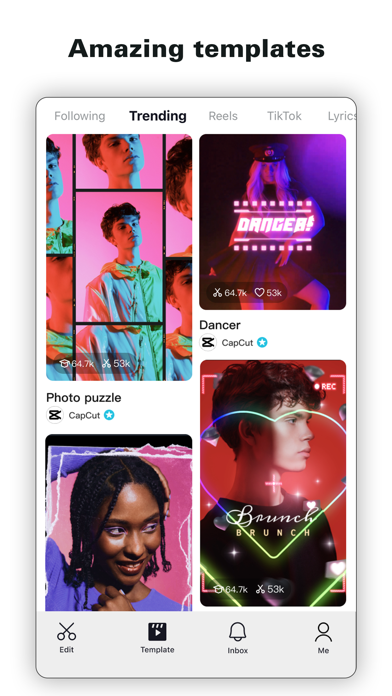


Ratings
4.6 / 5
1,114,085 ratings
- 5 ★81%
- 4 ★8%
- 3 ★4%
- 2 ★3%
- 1 ★4%
Recent Reviews
- ★★★★★Zayden_YT
I can't make a template
I cant make a template even though I got applied by the capcut creator thing they said I can make a template now but it won't let me
- ★★★★★Jmpierre
Dope APP
Keeps getting better with time
- ★★★★★Nikilis_official
I GOT 10M subscribers on youtube for this app
THANK YOU CapCut
- ★★★★★Cocanutsweety
Voice thing
So I'm trying to make a rant but I can't find the voice I like the fox girl one so I use a different one but then it's like too many people are useing this it's like saying to many people are breathing so you can't pls fix this
- ★★★★★ScorpioGhost0666
Ai templates not working
I love using CapCut but for some reason the ai templates aren’t working no matter what pic I use and I don’t know why I’ve never had problems with it until now and the app is updated
- ★★★★★めいこめい
Pls
Please Ban 18+ Videos
- ★★★★★Carlitos🇺🇸🇪🇸
Few Seconds Crashing
I was editing but few seconds got crashed but can you fix this issue please?
- ★★★★★finleygraybee
amazing
i use it for all of my edits and it works so well all tho i do want to start using another app but this one is always going to be my go 2
- ★★★★★Kitty_Queen0
Used to be my fav app
Ever since they changes it so that you have to pay to export videos to your device I've barley used it. You make a video with it or use a template and find you have to pay money to actually export it to your device compared to when it was free before.
- ★★★★★Blurpy134
Not safe for minors
I am a minor and I use the app to edit videos of my fav characters but when I scroll I see people posting videos of blurred out things and I see the comments saying what it is and I am disgusted people are posting stuff that should be on 18+ websites there are millions of minors on this app including me you need to be shutdown or have better moderation you should be disappointed in yourself because this app isn’t safe for minors get better moderation.