
BA II Plus™ Financial Calc
Texas Instruments · App ID: 329739750
Downloads / mo
101
Range 40–253
Revenue / mo
$1.2K
Range $476 – $3K
RPD
$11.89
Revenue per download
Avg. DAU
356
Daily actives
Time Spent
5 min
Per user / day (est.)
Session Count
24.6K
Monthly (est.)
Category Ranking
100+
Finance · US Today
Top Countries
US · India · UK
By est. downloads share
Downloads Trend
1.1K12-mo total
Monthly avg 89.3
Revenue Trend
$12.7K12-mo total
Peak Jun ($1.3K) · amber bar = best month
Release Details
- Current Version
- 1.7
- Last Updated
- 2/3/2021
- Release Date
- 9/15/2009
- Minimum OS
- 12.2
- File Size
- 4.5 MB
- Content Rating
- 4+
- Languages
- EN
Description
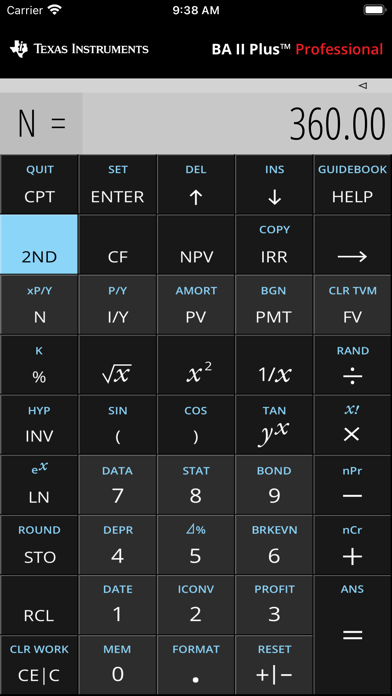
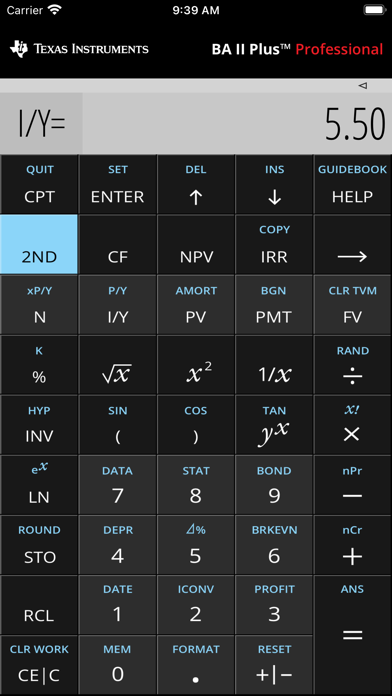
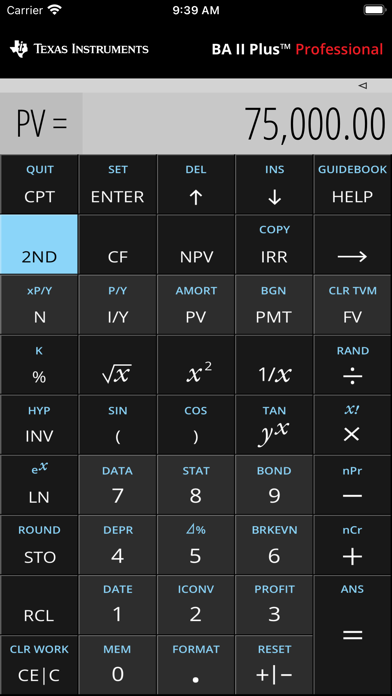
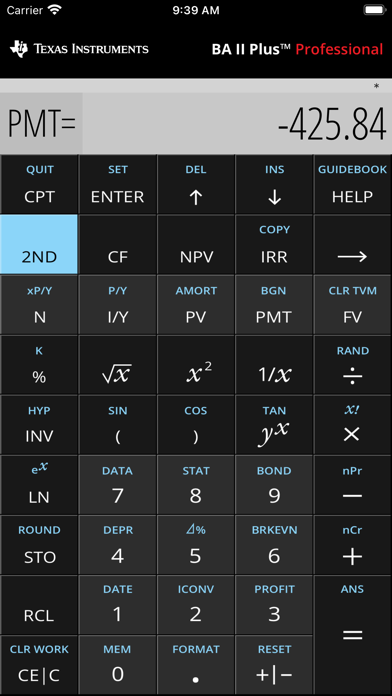
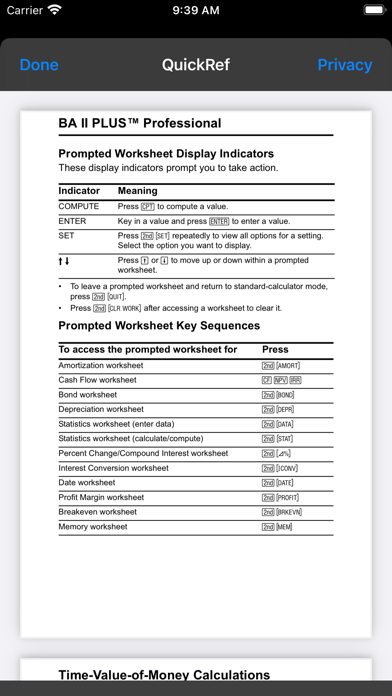
See the capabilities of the most advanced financial calculator from Texas Instruments — the BA II Plus™ Professional calculator. This calculator is a great choice for business professionals and college students, in both corporate and university settings. FULL RANGE OF FINANCE AND SCIENCE FUNCTIONS • Performs Time-Value-of-Money (TVM) calculations including annuities, loans, mortgages, leases and savings • TVM P/Y=1 default matches current BA II Plus™ and BA II Plus™ Professional calculators • Generates amortization schedules • Calculates IRR, MIRR, NPV and NFV for cash-flow analysis • Stores up to 32 uneven cash flows with one- to four-digit frequencies and analyzes the impact of changes in variables • Evaluates bond prices and yields “to maturity” or “to call” • Choose from six methods for calculating depreciation, book value and remaining depreciable amount • Performs analysis on one- and two-variable statistics with four regression options: linear, logarithmic, exponential and power • Determines the days between dates • Calculates breakeven, profit margins and percent change • Includes trigonometric and logarithmic scientific functions • Choose between chain and Algebraic Operating System calculation methods OTHER FEATURES • Stores 10 values in memory which are retained by the Constant Memory feature • Enable key click sounds in Settings • Switches to second functions fast with one-touch 2nd function key • Support for split screen, portrait and landscape modes • Ability to copy individual calculation results to other apps • Includes both BA II Plus™ and BA II Plus™ Professional calculator features • The look corresponds to BA II Plus™ Professional calculator
Screenshots(6)
View on store ↗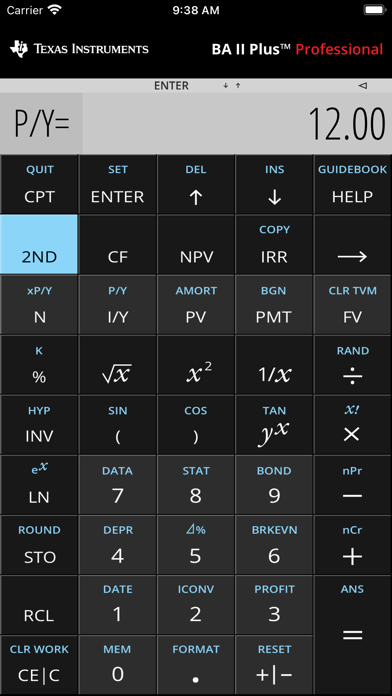
Ratings
2.8 / 5
113 ratings
- 5 ★18%
- 4 ★32%
- 3 ★15%
- 2 ★12%
- 1 ★22%
Recent Reviews
- ★★★★★Randysusan
Works like the real thing
Works like the actual calculator. I have been using this as my main calculator app for more than 10 years.
- ★★★★★CS8571
Works like it’s supposed to
No frills, works like it’s supposed to. Used it to prep for all three levels of the CFA.
- ★★★★★crenshaw007
Design Looks Horrible
Go back to the previous design that replicated the physical calculator.
- ★★★★★gcreamz
Inability to use the calculator
Please I need help with this calculator, I can’t use the bracket key and the *raise to the power of*. I don’t know how this app works and I desperately need it for my finance class.
- ★★★★★RemEmO
Garbage
Needs lots of work, I want my money back
- ★★★★★AngryTango
Application deserves 5 rating
I downloaded this app and it has been absolutely perfect in every way. Perhaps users don’t know how to use it which explains the low rating
- ★★★★★Matin_29
Bond function
Cannot calculate dates in the middle of the year. For example, I was doing a problem and I was trying to use the bond function with the SDT as 15.1.2020 and it’s giving an error
- ★★★★★classify endorse
Got a refund
Put off by the 2.5 stars, I bought this app that emulates a calculator whose base functions haven’t improved for the past 30 years. After overcoming the gall of TI’s total lack of innovation while still demanding $15 (and don’t get me started on what they charge for the physical calculators), I expected it would still at least work. But the CF function doesn’t even remember what I just put in and can’t go past CO1. Garbage company, garbage app. I’d almost rather calculate by hand.
- ★★★★★Susie Walker
Does not compute
This has not worked since I purchased it. Gives erroneous answers. Compared it to several others. Waste of money.
- ★★★★★阿花花肠子
Error 5?
get error 5 for every question.