
Downloads / mo
656
Range 262–1.6K
Revenue / mo
$2.9K
Range $1.2K – $7.4K
RPD
$4.49
Revenue per download
Avg. DAU
3.1K
Daily actives
Time Spent
41 min
Per user / day (est.)
Session Count
211.9K
Monthly (est.)
Category Ranking
100+
Music · US Today
Top Countries
US · India · Brazil
By est. downloads share
Downloads Trend
6.8K12-mo total
Monthly avg 566.2
Revenue Trend
$30.5K12-mo total
Peak Apr ($3.1K) · amber bar = best month
Release Details
- Current Version
- 5.1
- Last Updated
- 4/28/2026
- Release Date
- 8/30/2011
- Minimum OS
- 15.8
- File Size
- 11.2 MB
- Content Rating
- 4+
- Languages
- EN
Description
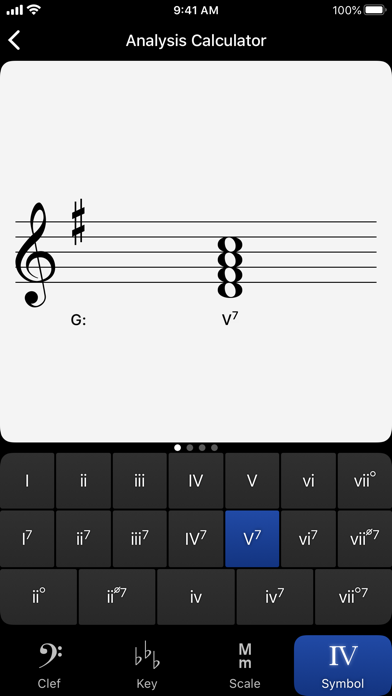
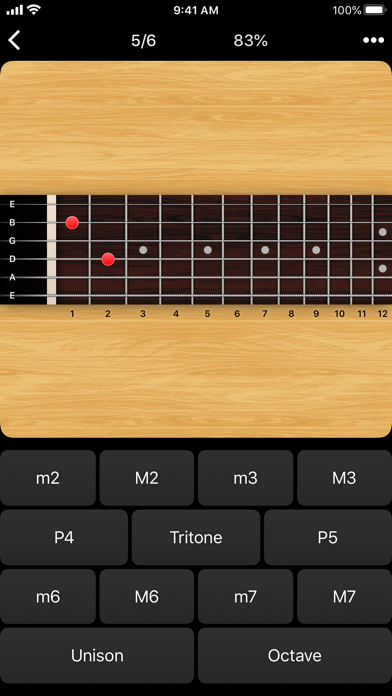
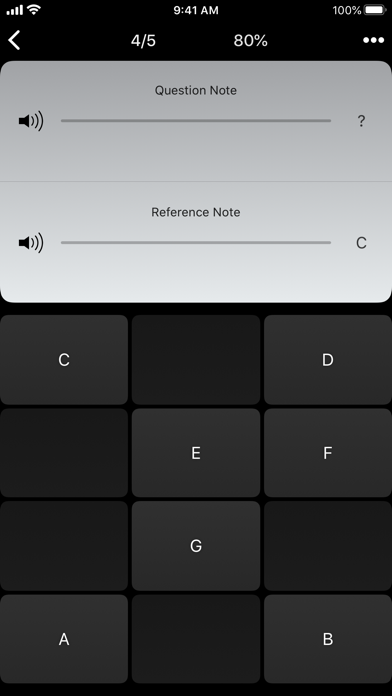
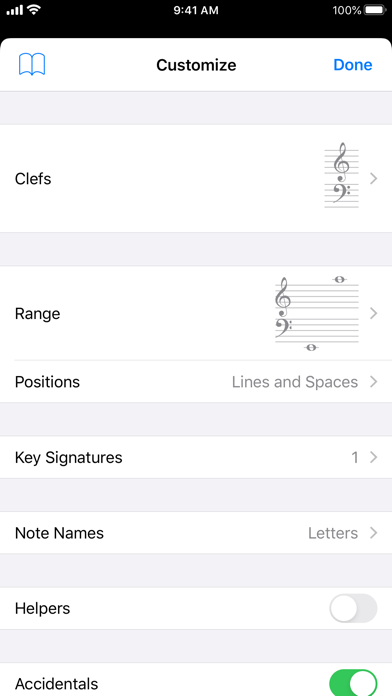
Tenuto is a collection of 24 highly-customizable exercises designed to enhance your musicality. From recognizing chords on a keyboard to identifying intervals by ear, it has an exercise for you. Tenuto also includes six musical calculators for accidentals, intervals, scales, chords, analysis symbols, and twelve-tone matrices. A short description of the exercises and calculators follows. –––––– • Note Identification • Key Signature Identification • Interval Identification • Scale Identification • Chord Identification Tap the button corresponding to the written staff line. For example: if shown a C, E, and G with a sharp; tap the "Augmented Triad" button. –––––– • Note Construction • Key Signature Construction • Interval Construction • Scale Construction • Chord Construction Construct the specified label by moving notes and/or adding accidentals. For example: if shown a C and an "Augmented 4th" label, move the second note to F and add a sharp. –––––– • Keyboard Reverse Identification Tap the piano key corresponding to the written note on the staff. While similar to Note Identification, this exercise uses a piano keyboard rather than note name buttons. • Keyboard Note Identification • Keyboard Interval Identification • Keyboard Scale Identification • Keyboard Chord Identification Tap the button corresponding to the highlighted piano key(s). If the C and G keys are highlighted, tap the "P5" (Perfect 5th) button. –––––– • Fretboard Note Identification • Fretboard Interval Identification • Fretboard Scale Identification • Fretboard Chord Identification Tap the button corresponding to the marked fretboard position(s). If the 2nd fret of the D string is marked, tap the "E" button. –––––– • Keyboard Ear Training • Note Ear Training Listen to the played reference and question notes. Select the piano key or note button corresponding to the question note. • Interval Ear Training • Scale Ear Training • Chord Ear Training Tap the button corresponding to the played notes. If E and F are played, tap the "Minor 2nd" button. –––––– • Accidental Calculator Display the accidental for a note and key. • Interval Calculator Display the interval for a note, type, and key. • Chord Calculator Display the scale for a tonic and scale type. • Chord Calculator Display the chord for a note, type, and key. • Analysis Calculator Display the chord for a symbol and key. • Matrix Calculator Display the twelve-tone matrix for a specified tone row.
Screenshots(5)
View on store ↗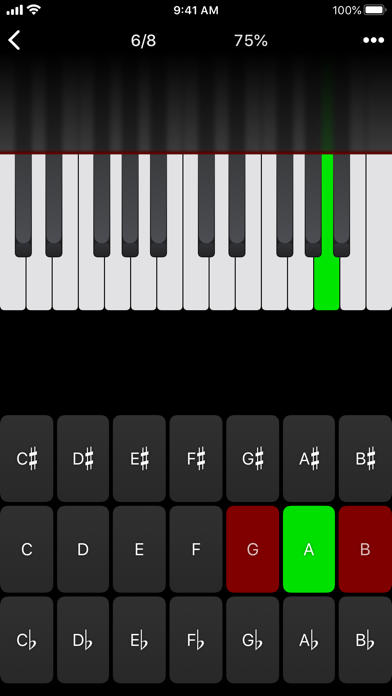
Ratings
4.7 / 5
650 ratings
- 5 ★77%
- 4 ★11%
- 3 ★5%
- 2 ★4%
- 1 ★3%
Recent Reviews
- ★★★★★bigpapa5901
i love this app
this app is phenomenal and is the only app you should ever pay $5 for
- ★★★★★Catlover8899
Amazing
I love this app it helps me so much I can learn a lot it teaches me from beginner to intermediate to advanced
- ★★★★★piano man 18
Essential for musicians
It is a must for music majors. I have an A in music theory thanks to this app.
- ★★★★★CASEY NEISTAT 1#FAN
Great app
Great if u want to work on theory. Many adjustments can be made in the settings so you can focus on exactly what u need to work on.
- ★★★★★arrayclient
From the Golden Age of Apps
This is a fantastic app, the way iOS apps used to be. Pay once, get amazing features with no ads. I’ve been using this to memorize the notes on a bass fretboard and it has everything I want. It’s highly configurable, I’ve started looking ahead to learning scales, arpeggios, and intervals and it’s perfect. I wish more apps worked like this.
- ★★★★★TeLangPuNiuBi
Piano tone is so bad
The piano note note sound very bad. Far from my roland piano
- ★★★★★Angus_puppy08
Perfect
A classic little app that just helps a lot. I’ve seen great results after using the app with note identification to get better, and my reaction time increased a little bit too! It’s great.
- ★★★★★Chuck873
Good, but feature request below
It would be very helpful to have the option to enable a pop-up of the correct note letter if a note is guessed incorrectly (e.g. when guessing a note on the guitar fretboard with multiple guesses disabled).
- ★★★★★ImJaid
Highly recommend
This app is the best for any musician!! Highly recommended and worth the price, you definitely get your moneys worth
- ★★★★★333M333
Wonderful!
I use it all the time. So great. Thanks for adding the latest note customization feature. I use this app to improve sight reading of chords and ear training of chords and it helps a ton.