
Microsoft 365 Copilot
Microsoft Corporation · App ID: 541164041
Downloads / mo
1.5M
Range 591.5K–3.7M
Revenue / mo
$3M
Range $1.2M – $7.4M
RPD
$2.00
Revenue per download
Avg. DAU
2.7M
Daily actives
Time Spent
11 min
Per user / day (est.)
Session Count
186.6M
Monthly (est.)
Category Ranking
#15
Productivity · Downloads
Top Countries
US · India · Brazil
By est. downloads share
Downloads Trend
15.7M12-mo total
Monthly avg 1.3M
Revenue Trend
$31.4M12-mo total
Peak Mar ($3.1M) · amber bar = best month
Release Details
- Current Version
- 2.111.3
- Last Updated
- 7/6/2026
- Release Date
- 6/14/2013
- Minimum OS
- 18.0
- File Size
- 398.4 MB
- Content Rating
- 12+
- Languages
- AR, CA, HR, CS, DA, NL +27
Description
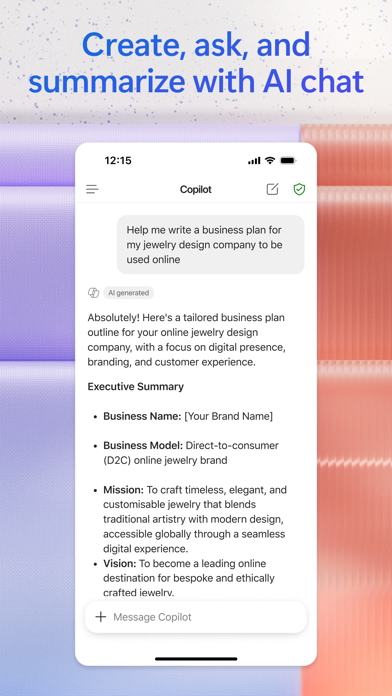
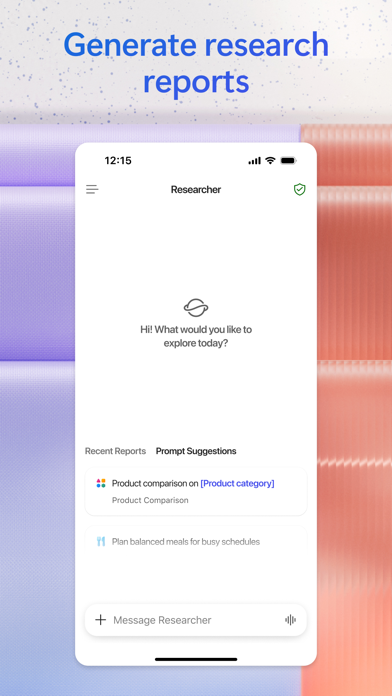
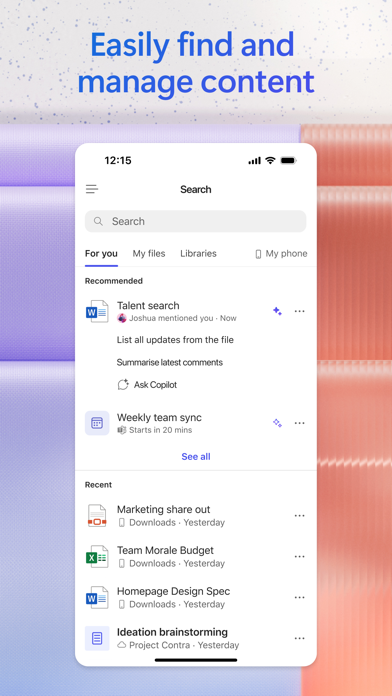
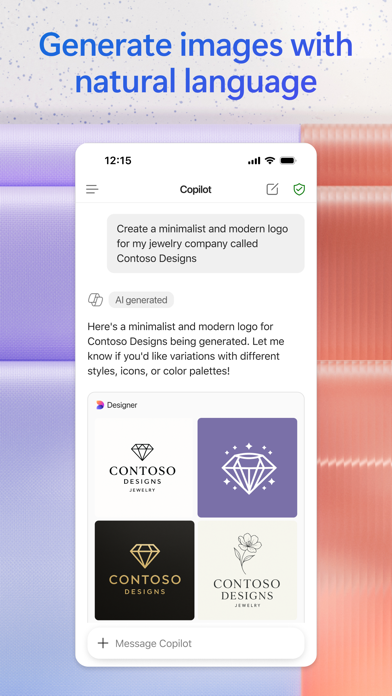
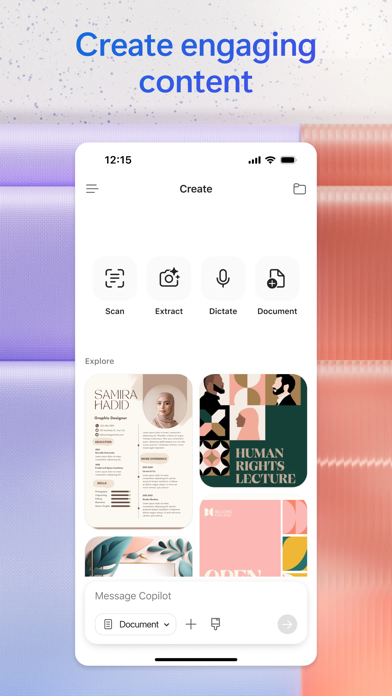
The Microsoft 365 Copilot app is your AI-first productivity app for work. It provides one place for you to chat with your AI assistant1, create content, manage projects and quickly find files on the go – helping you get more done, without doing more. With the Microsoft 365 Copilot mobile app, you can1: • Chat with your AI assistant – Ask Copilot to create or summarize a document, draft an email or analyze a spreadsheet using natural language. • Interact with voice – Talk to Copilot to help you prepare for your day, get answers and brainstorm ideas. • Find what matters fast – Find the strategy deck you were working on recently, or a file that was attached to an email. • Accelerate your learning – Ask Copilot to explain a concept, summarize recent trends or help you prepare for a presentation. • Get expert insights – Use built-in AI agents like Researcher and Analyst to generate research reports and analyze complex datasets. • Create polished content– Create and edit images, posters, banners, surveys and more with easy-to-use templates. • Manage projects easily – Bring together ideas, documents and links and ask Copilot to summarize and connect the dots with Copilot Notebooks. • Upload and save documents – Upload Word, Excel or PDF files from your phone’s storage to get answers from Copilot. Sign in with your work, school or personal Microsoft account to start using the app today. 1Availability of Microsoft 365 Copilot features may vary. Some capabilities require specific licenses or may be disabled by your organization's administrator. See this webpage for more information on feature availability by license: https://support.microsoft.com/topic/understanding-the-different-microsoft-copilot-experiences-cfff4791-694a-4d90-9c9c-1eb3fb28e842 Please refer to Microsoft’s EULA for Terms of Service for Microsoft 365. By installing the app, you agree to these terms and conditions: https://learn.microsoft.com/legal/microsoft-365/microsoft-365-copilot-mobile-license-terms
Screenshots(7)
View on store ↗

Ratings
4.7 / 5
1,287,821 ratings
- 5 ★87%
- 4 ★5%
- 3 ★2%
- 2 ★2%
- 1 ★3%
Recent Reviews
- ★★★★★Good guy 81
Why is this here?
I have no idea how to use this!
- ★★★★★JMJ3&1
AI helper
Copilot usually does the best job they can to help me whenever doesn’t backdown from making himself available to help anytime I have a need.
- ★★★★★MntnMn34
Useless
This feature only messes up what I am doing. It doesn’t appear that it can be removed so I never see it again!!! Now, I’d like to know where is my 365 subscription?
- ★★★★★Suprmc
Can’t Use It on my IPhone
Can’t be used
- ★★★★★JREOH
Too much login
I always need to go through the complete login process just to ask a frivolous question like whether a movie is based on a book. I’ll go back to google.
- ★★★★★J434088
Utter garbage
I pay monthly for 365 but this garbage app doesn’t acknowledge my purchase, so I can’t use it.
- ★★★★★west marietta
Not very accurate
I get about 1 out of 10 responses that are correct. The links provided don’t necessarily go to what was described. Hard or impossible to provide photos when using on an iPad. Not sure if this is easier on a PC.
- ★★★★★DuvalDali
Useless
Could not understand and sounded like it was answering someone else’s
- ★★★★★helicopterick
Terrible
Too many sig ins
- ★★★★★Christine (크리스틴)
Can’t create without AI
I can’t seem to create anything without copilot, which is really annoying. I want to create my own documents, not to have AI create them for me.