
Downloads / mo
8K
Range 3.2K–19.9K
Revenue / mo
$6.4K
Range $2.6K – $16K
RPD
$0.80
Revenue per download
Avg. DAU
3K
Daily actives
Time Spent
11 min
Per user / day (est.)
Session Count
208.5K
Monthly (est.)
Category Ranking
#11
Utilities / Tools · Downloads
Top Countries
US · India · Brazil
By est. downloads share
Downloads Trend
83.9K12-mo total
Monthly avg 7K
Revenue Trend
$67.1K12-mo total
Peak Apr ($6.7K) · amber bar = best month
Release Details
- Current Version
- 2.36.880
- Last Updated
- 5/28/2026
- Release Date
- 10/23/2023
- Minimum OS
- 16.0
- File Size
- 221.8 MB
- Content Rating
- 4+
- Languages
- EN
Description
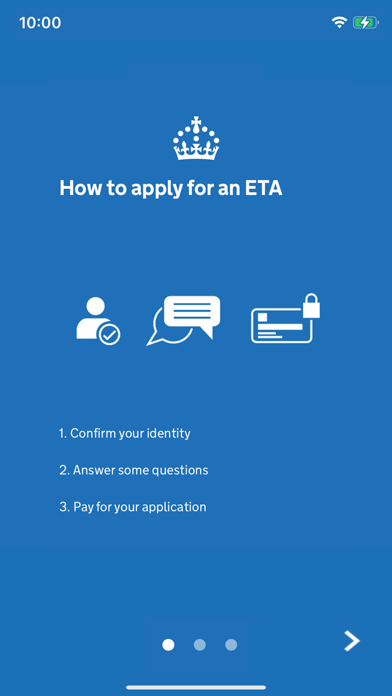
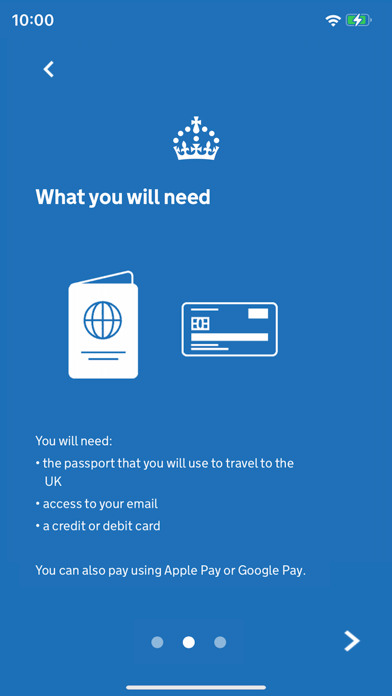
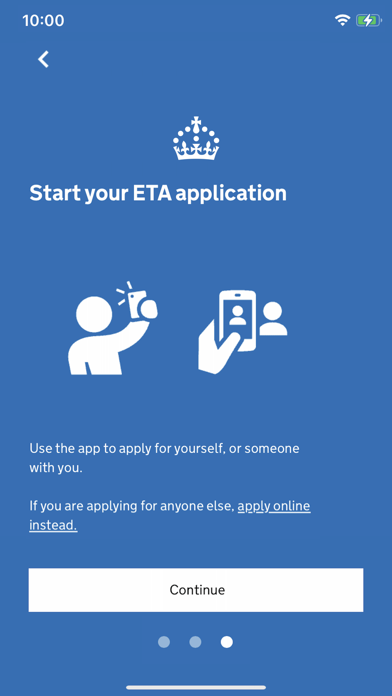
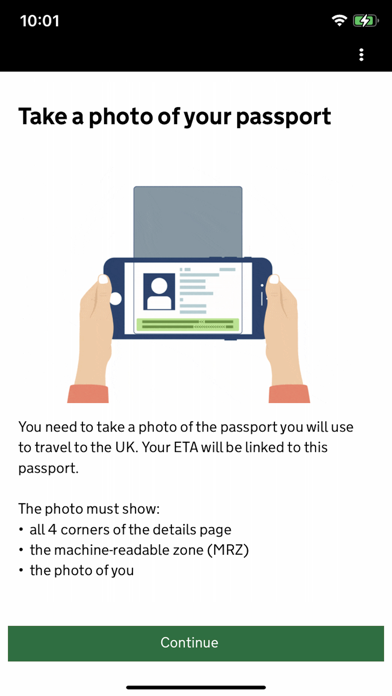
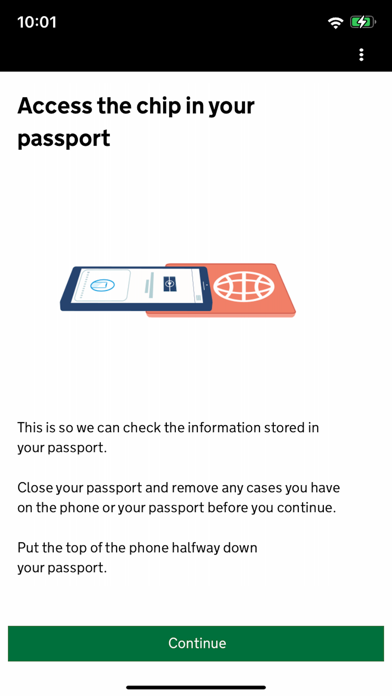
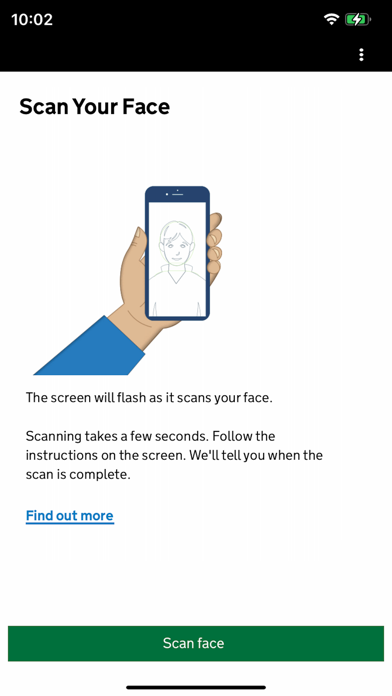
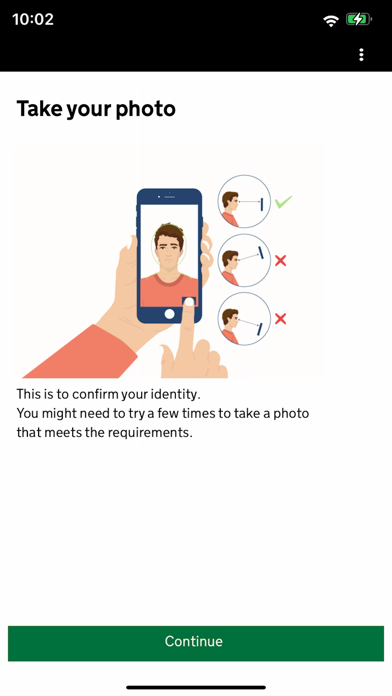
Use the UK ETA app to apply for an electronic travel authorisation (ETA) to come to the UK. Who can apply Find out if you need an ETA to travel to the UK at: https://www.gov.uk/electronic-travel-authorisation. How to apply on the UK ETA app 1. Take a photo of your passport. 2. Scan the chip in your passport. 3. Scan your face. 4. Take a photo of yourself. 5. Answer some questions about yourself. 6. Pay for your application. It should only take 10 minutes to apply. You do not need to enter your travel details. Before you start To apply you will need: • an iPhone 8 or newer with IOS 16 or later • the passport you will use to travel to the UK • a credit card, debit card or Apple Pay • access to your emails If you're applying for someone else they must be with you. If they are not, you should apply online at: https://www.gov.uk/electronic-travel-authorisation. After you apply You’ll get a decision by email from UK Visas and Immigration (UKVI), usually within a day. Allow up to 3 working days (Monday to Friday) to get a decision, but it may arrive much sooner. The email will contain your 16 digit ETA reference number. You must wait until you get an email confirming you have an ETA before you travel to the UK. If you have not received a decision after 3 working days, check your spam or junk email folder before contacting UKVI. You may get decisions at different times to other people you applied for. Your ETA will be linked to the passport you applied with. You only need to show your passport when you travel to the UK. Privacy and security The app is safe and secure. No information is stored on the app or your phone after you close it. You can delete the app after you have completed your application. For information on staying safe online visit the UK Cyber Aware website: https://www.ncsc.gov.uk/cyberaware/home Accessibility You can read our accessibility statement at: https://confirm-your-identity.homeoffice.gov.uk/register/eta-app-accessibility
Screenshots(8)
View on store ↗
Ratings
3.2 / 5
1,439 ratings
- 5 ★29%
- 4 ★30%
- 3 ★13%
- 2 ★11%
- 1 ★17%
Recent Reviews
- ★★★★★Theo Bong
Worst app ever
Spent 3 hours taking face photo because it would not accept it or give any feedback as to how to fix/why it was not approved. Seems like a very sensitive photo algorithm. Also it doesn’t save your information and makes you redo whole form every time you restart app.
- ★★★★★Paul Makepeace
Shockingly low quality
The app requires a non-reflective photo. This is nearly impossible since the UK and US passports have a complex reflective anti-fraud layer. I tried mutilole times and never had a photo accepted. The app is illogical: it claims it will automatically take a photo when it’s ready but then bars its own decision by saying the photo is just automatically took isn’t suitable. (Doesn’t say why or course) It’s also completely unclear that I’m going to be able to in a position to apply for my Children (not UK citizens): it frames the whole flow as me (a UK citizen) applying for an ETA. Which obviously I don’t need. I’m honestly shocked that the UK gov is shipping such a poorly tested product. Very disappointing
- ★★★★★Qpr32
Easy and straightforward
Not sure why the rating is so low. It’s a pretty simple process and the instructions are clear. Took me maybe 5 minutes to do.
- ★★★★★emmacukru
Camera function sucks
The camera function to photograph your passport automatically captures the photo and then says it was poorly taken and not allow you to submit it
- ★★★★★izzydavv
Didn’t work
The app didn’t work for anyone in our party. Midway through our applications it just told us to do it online. This whole thing was such an annoying extra step.
- ★★★★★gregdrm
Never seems to work
Every time I open this, it tells me that it’s down for maintenance. Redirecting you to the website doesn’t actually work from the app, but once you hit the website, it’ll actually let you fill out every single thing on the web version, making you feel like you’re getting somewhere! And then surprise! When you hit the final submit button, it gives you the same down for maintenance message that the app gives you.
- ★★★★★Ronfrank
Under Maintenance
No time given for when it will be finished. Link goes to App Store but there is bo update available. Just sticks you in a loop.
- ★★★★★ماجدالمنصوري
لايعمل
الابليكشن يطلب تحديث من فتره طويله ولا يوجد تحديث اساسا ولم يوضع رابط بذيل موثوق حتى نستدخدمة
- ★★★★★AngelLovesAkhila
App under maintenance
Why is this showing like this? If you have updates, push them like all other apps do or show better error codes.
- ★★★★★lherdy
Stopped working in the middle of applications
Needed to apply for my husband, son, and I. Got through my husband and I’s applications then it kicked me off saying the app is under maintenance and now I can’t apply for my son. Great.