
Downloads / mo
3.5K
Range 1.4K–8.6K
Revenue / mo
$3.5K
Range $1.4K – $8.6K
RPD
$1.00
Revenue per download
Avg. DAU
3.4K
Daily actives
Time Spent
41 min
Per user / day (est.)
Session Count
235.4K
Monthly (est.)
Category Ranking
#34
Music · Downloads
Top Countries
US · India · Brazil
By est. downloads share
Downloads Trend
36.3K12-mo total
Monthly avg 3K
Revenue Trend
$36.3K12-mo total
Peak Jun ($3.6K) · amber bar = best month
Release Details
- Current Version
- 1.3.9
- Last Updated
- 3/4/2026
- Release Date
- 5/18/2023
- Minimum OS
- 13
- File Size
- 104.5 MB
- Content Rating
- 4+
- Languages
- NL, EN, FR, DE, IT, JA +6
Description
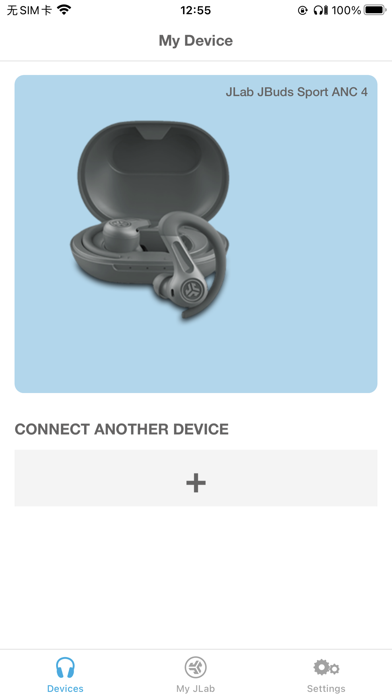
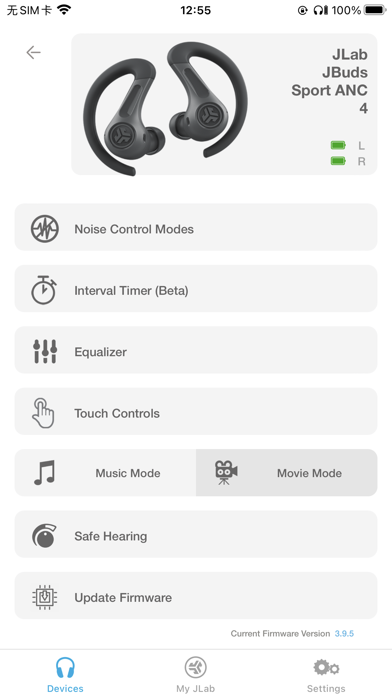
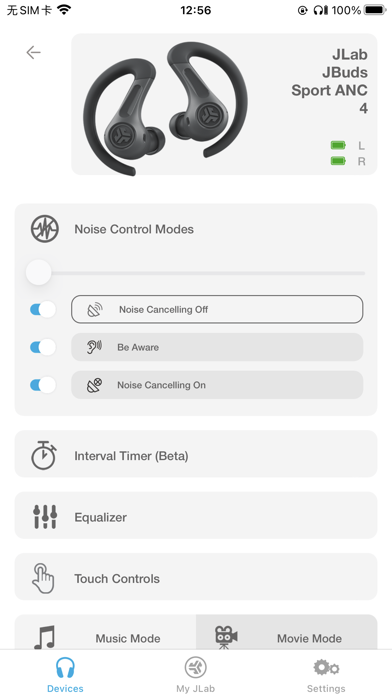
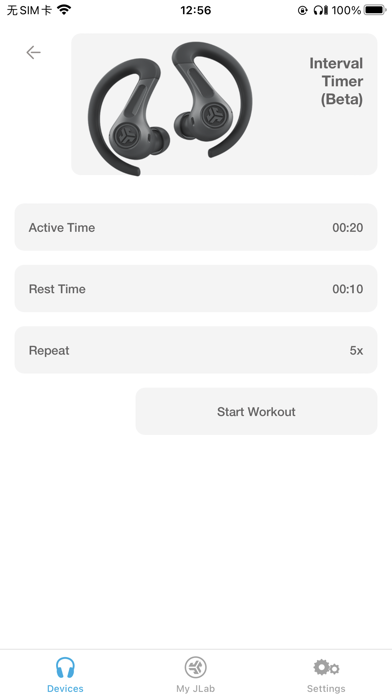
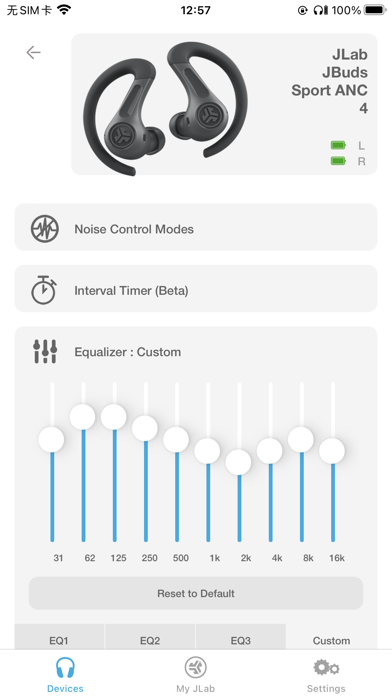
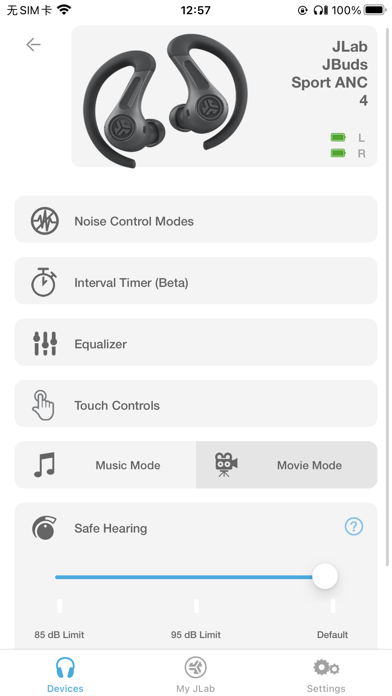
Compatible Models: GO Pop+ GO Sport+ JBuds Air Pro JBuds Air Pro ANC JBuds Air ANC (Gen 2) JBuds ANC 3 JBuds Air Sport (Gen 3) JBuds Mini Work Buds Epic Air ANC (Gen 2) Epic Air Sport (Gen 2) Epic Lab Edition GO Work (Gen 2) JBuds Lux ANC JBuds Sport ANC 4 Rewind 2 Flex Studio+ Studio Pro+ Epic Work ANC JBuds Open Sport GO Pop ANC Epic Sport ANC 3 Epic Open Sport GO Pods ANC JBuds Pods ANC GO Lux ANC Epic Lux Lab Edition Studio 2 GO Party Pop Party JBuds Party Epic Party Epic Pods ANC JBuds Open Headphone The new and improved JLab app offers complete customization for all JLab App compatible models. Adjust Noise Control settings, Be Aware, touch controls, safe listening levels, and sound to your personal preference – or use the presets for JLab Signature, Balanced, or Bass Boost. Plus, get software updates for your product right when they’re available. Active Noise Cancellation Control With the new JLab App, you'll be able to increase the active noise canceling from off all the way to max ANC, (on your ANC compatible earbuds) while in the earbuds themselves you can only select on or off. Be Aware Audio Bring the outside in. Use the JLab App to increase or decrease the amount of outside noise you let in by adjusting your Be Aware settings. (For Be Aware Compatible earbuds only) EQ Customization Fine tune your sound by adjusting the equalizer settings. JLab products come set with three default settings - called Custom EQ3 Sound, which features JLab Signature, Balanced and Bass Boost and a 4th option 'Custom'. Use the JLab App to test and set your own equalizer settings by adjusting Bass (200, 280, 400 Hz levels), Mid-Range (550, 770, 1000, 2000 Hz levels) and Treble (4000, 8000, 16000 Hz levels). Custom Controls JLab products come with controls in each earbud that control anything from volume, track changes, play/pause and more. If you'd like to switch the settings, you can customize your controls further via the app. Safe Hearing All future JLab models will now support Safe Hearing. Switch between the default output, 95 dB, or 85 dB for a safe listening experience.
Screenshots(8)
View on store ↗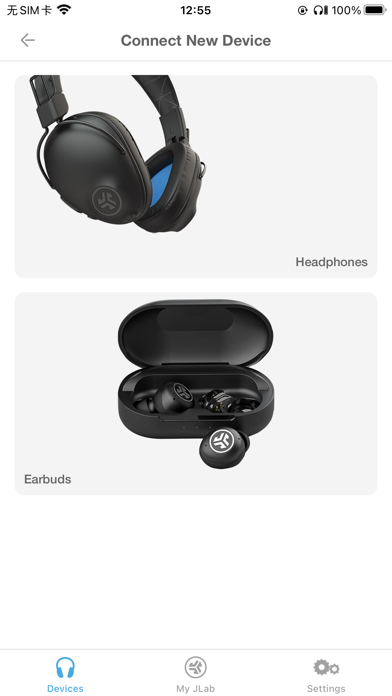

Ratings
2.6 / 5
722 ratings
- 5 ★21%
- 4 ★31%
- 3 ★14%
- 2 ★11%
- 1 ★23%
Recent Reviews
- ★★★★★P12003
Jlab
Yo compré mis auriculares y tienen menos de 6 meses de uso y ya no sirve el micrófono
- ★★★★★Arthur812
Bad software ruined my new speaker
Brand new speaker out of the box. I connected it to much iPhone and it worked fine. I saw the QR code on the instructions manual and downloaded the app which suggested a firmware upgrade. It went into labsynch mode and now I have no sound and it’s impossible to take it out of synch mode even after I pressed the power button 5 times.
- ★★★★★Jokerpoker234
Awful
Sort of terrible
- ★★★★★Logical Dad
If you can’t connect, read this!
For those who can’t connect their JLab device to this app, make sure you go to the JLab settings in the Settings app! Make sure Bluetooth is turned on. By default, it’s turned off! I tried for hours resetting and unpairing, and even contacted support. This finally worked!
- ★★★★★K3i3k3i
Ambient Sounds Non-Functional
App claims you can play ambient sounds even with the phone locked, but every time I lock my phone the ambient sounds stop. Same if I swipe out of the app. PLS FIX THIS IS THE ONLY REASON I USE THE APP
- ★★★★★Idk what to put 2
JLab pop go
I can’t get them to connect to the app I would love some help please but other than that I love this brand and app
- ★★★★★smileuroncamera
Not working properly
My speaker will not connect to the app, so I can’t see battery percentage or check for updates. Disappointing.
- ★★★★★Zay the sexiest
The app won’t connect to the earbuds
So I don’t understand how the app won’t connect to the earbuds, but my earbuds will connect to my phone that doesn’t make any sense especially because it was connected before the update they launched
- ★★★★★Llama_Legend_7
Underrated
I’m not sure the issue people are having with this app. When I was connecting my headphones they connected easily. I think you have to have them connected to your phone first before connecting to the app and it should work just fine. But also the apps features and everything works great.
- ★★★★★Salviews
Poor Design
The software is easily one of the poorest design I have come across e.g., They have two distinct controls for Noise Cancelling on and off, and both of them can be turned on at the same time !